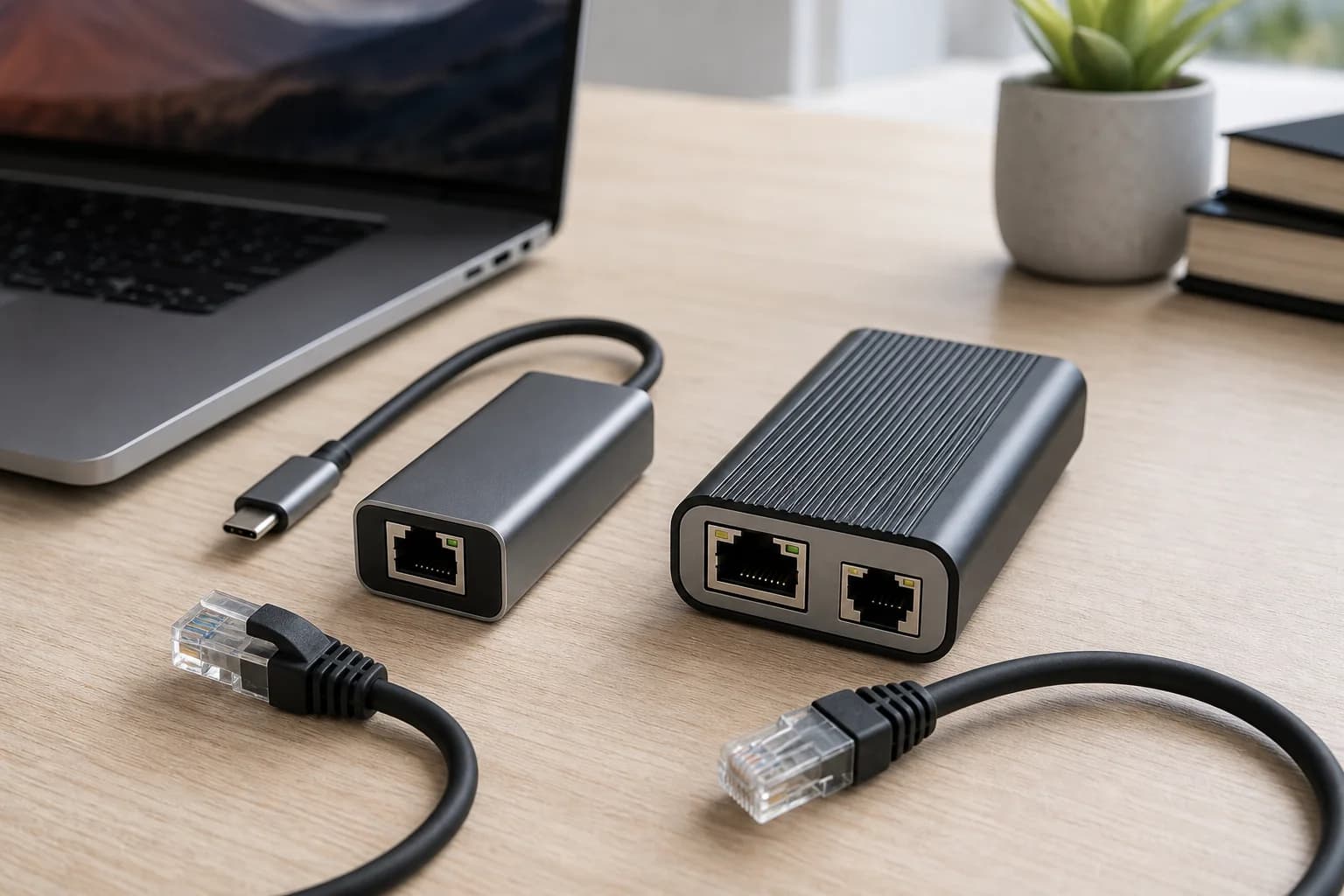
First confirm the link says 100 Mbps
Do not begin with an internet speed test. Open the Ethernet connection details in the operating system, router, or managed switch and record the negotiated link rate. A 100 Mbps link identifies a local wired-path problem; a 1.0 Gbps or faster link with a slow speed test points instead toward the ISP plan, router processing, server, or wider network.
Use a short known-good cable as the control test
Connect the computer directly to a confirmed gigabit LAN port with a short Cat5e-or-better patch cable. Gigabit copper uses all four twisted pairs, so a damaged plug, failed conductor, poor termination, or pinched run can remain connected while negotiating only 100 Mbps.
Bypass the chain in a fixed order
Test computer to router first. Then add the USB adapter or dock, switch, wall jack, patch panel, and permanent cable run one component at a time. Recheck link speed after every addition. The first step that drops from 1.0 Gbps to 100 Mbps is the branch to inspect.
Check the rating of both ports
A gigabit adapter cannot overcome a 10/100 router, switch, dock, television, or wall-module port. Read the exact model number rather than assuming every RJ45 socket is gigabit. On a managed switch, also check whether the port was administratively limited to 100 Mbps.
Keep speed and duplex on auto-negotiation
Intel's current support guidance identifies auto-negotiation as the normal setting for a gigabit link. Forcing 1.0 Gbps or full duplex on only one side can create a mismatch and can hide the physical fault. Restore automatic settings at both link partners, reconnect, and test again.
Treat wall jacks as two terminations and one cable
A permanent run can fail at either keystone, patch-panel termination, or inside the cable. Test the two patch leads separately, inspect all eight contacts, and use a cable tester when a short direct cable reaches gigabit but the wall path does not.
Update drivers only after the physical control test
If a known-good direct cable and confirmed gigabit port still negotiate at 100 Mbps, install the current adapter or laptop-vendor driver, restart, and check power-management settings. Avoid network resets as the first move because they do not repair a missing wire pair or a 100 Mbps port.
Buy only the component that failed the test
Replace the cable when the known-good cable restores gigabit. Replace or bypass the dock or adapter when the direct computer port works. Buy a gigabit or 2.5GbE switch only when its exact port is the ceiling. A new router is justified only after the router LAN port itself is proven to be the limiting link.
One-minute decision path
Link reads 1.0 Gbps or faster: investigate internet service or routing. Link reads 100 Mbps and a short control cable fixes it: replace or reterminate the cable path. Control cable does not fix it: verify both port specifications, auto-negotiation, driver, and adapter. Every purchase should correspond to the component that changes the measured link rate.