Coverage before the router box
Plan mesh nodes, wired backhaul, and multigig ports
Start with the home layout, Ethernet paths, and internet tier so the mesh kit and pack size solve the right bottleneck.
Signalwise Picks
Home network buying notes, router comparisons, mesh Wi-Fi guides, Ethernet planning tools, and practical setup checklists.
Start with the decision
These focused paths connect the product comparison to the setup, fit, compatibility, or recurring-cost question behind it.
Buyer question
BE63 is the value choice for most multi-gig homes, BE67 is the step up when 10GbE wired paths matter, and BE85 is for demanding wireless backhaul or very fast local networks. Decide from ports, backhaul, and client capability rather than the largest advertised Wi-Fi number.
Open decision guide →Buyer question
Only when every negotiated hop supports 2.5Gbps: both Deco ports, the switch ports, wall terminations, cables, and any adapters. A gigabit switch or bad two-pair link caps that branch, and the switch must remain on the correct LAN-side topology to avoid loops in router mode.
Open decision guide →Buyer question
ASUS's US specifications list one 2.5GbE WAN port and three 1GbE LAN ports on each BT6 unit. Choose BT6 for ASUS controls and tri-band Wi-Fi 7, but draw the WAN and Ethernet-backhaul path first; do not assume that a second multi-gig Ethernet port remains available.
Open decision guide →Buyer question
All three solve the same basic five-port unmanaged 2.5GbE job, so decide from the exact current model, enclosure and mounting, documentation and support path, hardware-version risk, and checkout value. None removes the four-device limit after a normal upstream link. Move to an eight-port or managed class when the port map or control requirements demand it.
Open decision guide →Buyer question
Choose GS308E when basic VLAN, QoS, port statistics or traffic visibility has a real job. Choose TL-SG108 when an unmanaged fanless eight-port Gigabit switch is enough. Neither model creates a 2.5GbE path, so confirm whether Gigabit is the actual ceiling before comparing small management differences.
Open decision guide →Buyer question
First identify whether the client, satellite, local LAN, DNS, modem, or internet path is dropping. Then update firmware, test a wired client, move the satellite closer, remove suspect loops, and change only one variable before measuring again.
Open decision guide →Buyer question
Choose BE67 when a 10GbE WAN/LAN path and faster wired backhaul will be used now. BE63 is usually the better value for a 2.5GbE home, while BE85 makes sense only when its extra radio and port capacity solve a measured bottleneck.
Open decision guide →Buyer question
An eero 6 router creates the home network and has two auto-sensing Gigabit Ethernet ports; an eero 6 extender expands that mesh and has no Ethernet ports. Neither one is a cable or fiber modem, so the internet provider's modem or ONT normally remains in the path. Check the exact pack composition before assuming every node can use Ethernet backhaul.
Open decision guide →Buyer question
Upgrade only when compatible clients, multi-gig wired ports, 6GHz conditions, congestion, latency, or mesh backhaul solve a measured limit. A Wi-Fi 7 label cannot improve an older client radio, a one-gigabit Ethernet path, poor node placement, weak ISP service, or a home that already has reliable Wi-Fi 6 coverage.
Open decision guide →Buyer question
Usually not for internet speed alone. It can still make sense for demanding wireless backhaul, dense compatible clients, or a dated 5Gbps, 10Gbps, NAS, or switch upgrade, but BE63 normally offers enough headroom and more flexible 2.5GbE connectivity for a gigabit home.
Open decision guide →Buyer question
No. Each BE67 node has one 10GbE port, so the primary node cannot use that same port as both a 10GbE WAN connection and a separate 10GbE LAN connection. Draw the modem, switch, backhaul, NAS, and client path first, then account for the remaining 2.5GbE and 1GbE ports.
Open decision guide →Buyer question
UE302C can exceed gigabit only when the host USB-C mode, operating-system support, adapter, Ethernet cable, switch or router port, and destination all support the faster path. Check the negotiated local link speed first; a 2.5GbE adapter cannot remove a gigabit limit elsewhere.
Open decision guide →Explore a complete setup
Each module connects products, comparisons, and practical checks around one real job so you can rule out the wrong fit earlier.
Coverage before the router box
Start with the home layout, Ethernet paths, and internet tier so the mesh kit and pack size solve the right bottleneck.
The network behind the Wi-Fi
Connect switch ports, PoE demand, cameras, access points, and backup runtime before buying infrastructure one device at a time.
Home network buying guides
Compare mesh Wi-Fi, Wi-Fi 7 routers, switches, Ethernet cables, USB-C network adapters, and router UPS options by layout, device count, wired backhaul, and setup friction.
wired
Compare three fanless five-port 2.5GbE switches by size, power, official documentation, mounting, hardware-version risk, warranty path, and when eight ports are better.
Compare pickswired
Compare easy-smart management with plug-and-play simplicity, including VLANs, QoS, port monitoring, fanless operation, gigabit limits, and model-number traps.
Compare pickswifi
Choose Deco BE25, BE63, or BE67 by Ethernet port count, 6GHz needs, pack size, switch speed, and the WAN-to-satellite path the home can actually use.
Compare pickswifi
Compare ASUS software control with Deco simplicity, including 6GHz mesh, multi-gig ports, security features, app flow, and wired backhaul.
Compare pickswifi
Compare BE85 flagship capacity, 10GbE and SFP+ ports, BE67 value, backhaul, and the clients needed to notice the difference.
Compare pickswifi
Compare Deco BE25 vs BE63 by 6GHz, 2.5GbE ports, wired or wireless backhaul, equal pack pricing, and the upgrade a real home will notice.
Compare pickswifi
Compare Deco BE25, BE63, BE67, BE85, eero, Orbi, and travel-router edge cases by pack size, wired backhaul, port speed, and layout risk.
Compare pickswifi
Compare practical Wi-Fi 7 routers against mesh when placement, WAN/LAN ports, firmware controls, and client support decide the real upgrade.
Compare pickswired
Compare home switches, Cat6/Cat6A cables, and USB-C Ethernet adapters before replacing a router that is not the real bottleneck.
Compare picksLatest product research
New and recently expanded buying notes appear first, with model checks, trade-offs, compatibility details, and direct comparisons.

ASUS
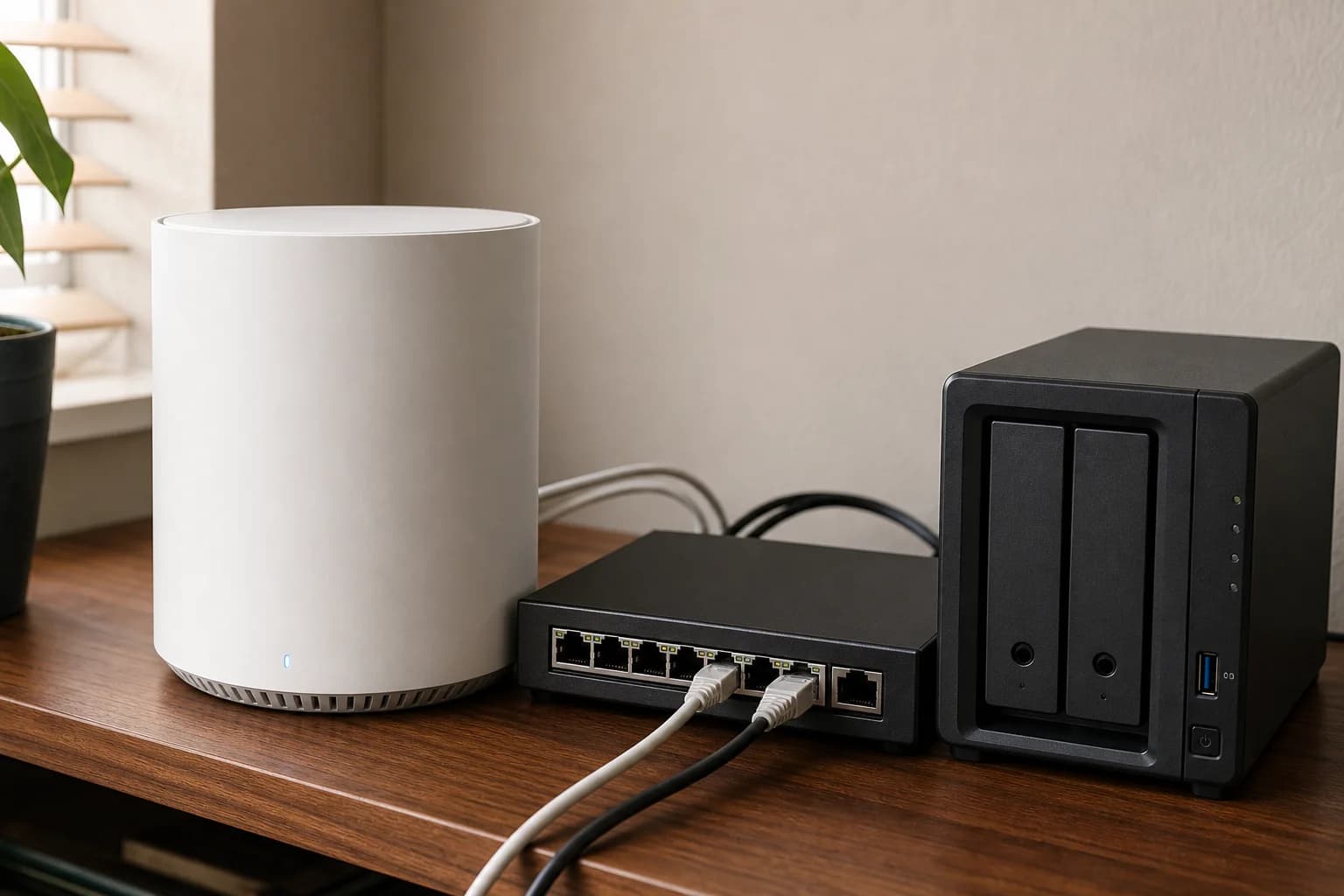
A guide to ASUS's tri-band BT6 two-pack, with 6GHz, 2.5GbE WAN, security and parental-control features, mobile tethering, and its control-heavy alternative to Deco.
Best for: Tri-band Wi-Fi 7 mesh with ASUS controls
Main caution: Only one 2.5GbE Ethernet port per unit; the other three Ethernet ports are gigabit
TP-Link
A source-checked Deco BE67 review covering the BE14000 two-pack, 10GbE and 2.5GbE ports, 6GHz backhaul, current firmware, and the network that can actually use it.
Best for: Premium Wi-Fi 7 mesh with a real 10GbE use case
Main caution: Costs more than BE63
Amazon eero
A plain-English eero 6 guide explaining the router-versus-extender pack, why neither unit is a modem, Ethernet-port limits, listed coverage, and who still benefits from this older dual-band mesh system.
Best for: Simple mesh coverage for everyday homes
Main caution: Not the choice for multi-gig wired networking
TP-Link
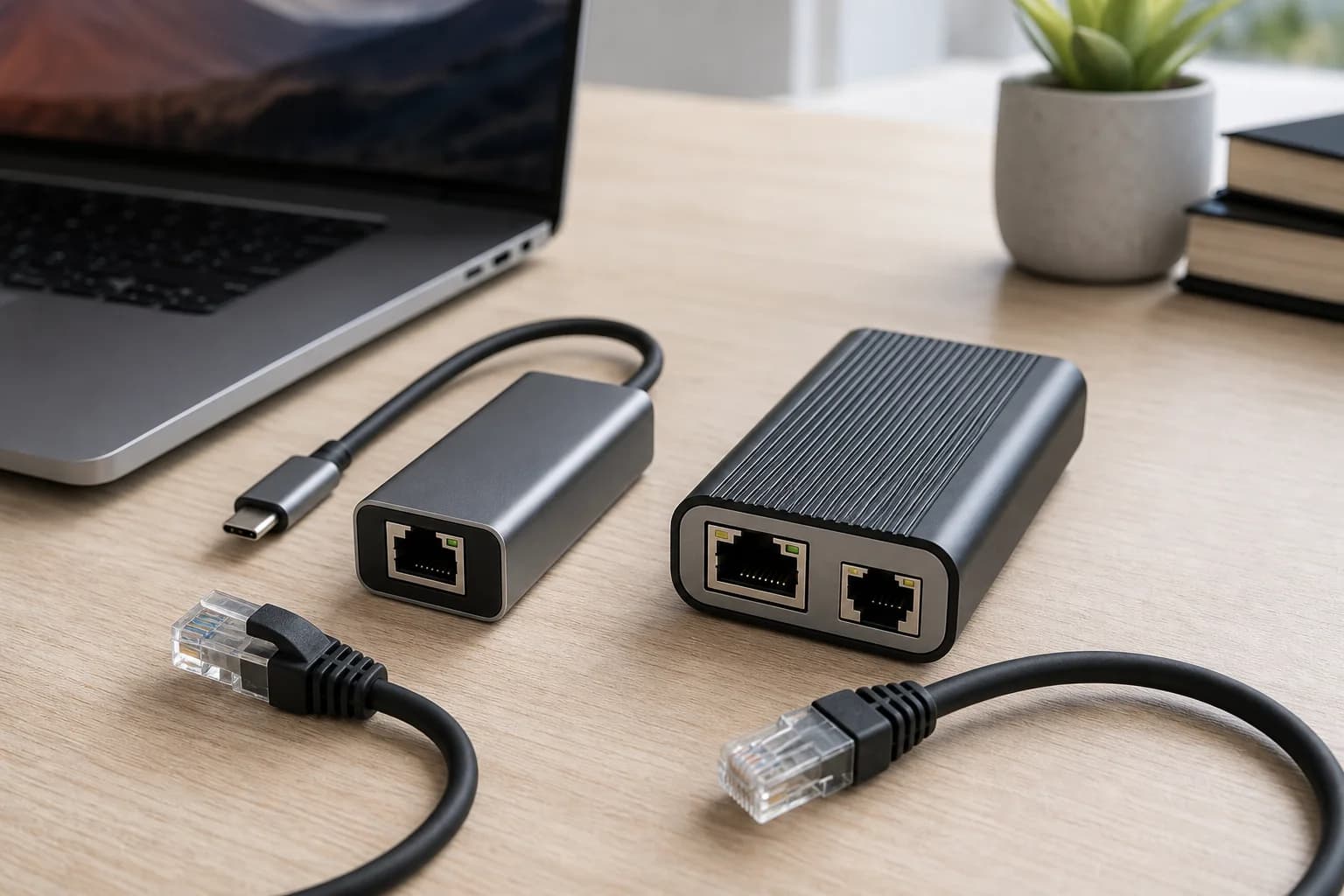
A 2.5GbE USB-C adapter guide for laptops, iPads, compact desktops, and NAS troubleshooting where the built-in Ethernet port is missing or capped at gigabit.
Best for: Adding 2.5GbE to USB-C laptops and tablets
Main caution: Requires a compatible USB-C host and 2.5GbE switch or router path
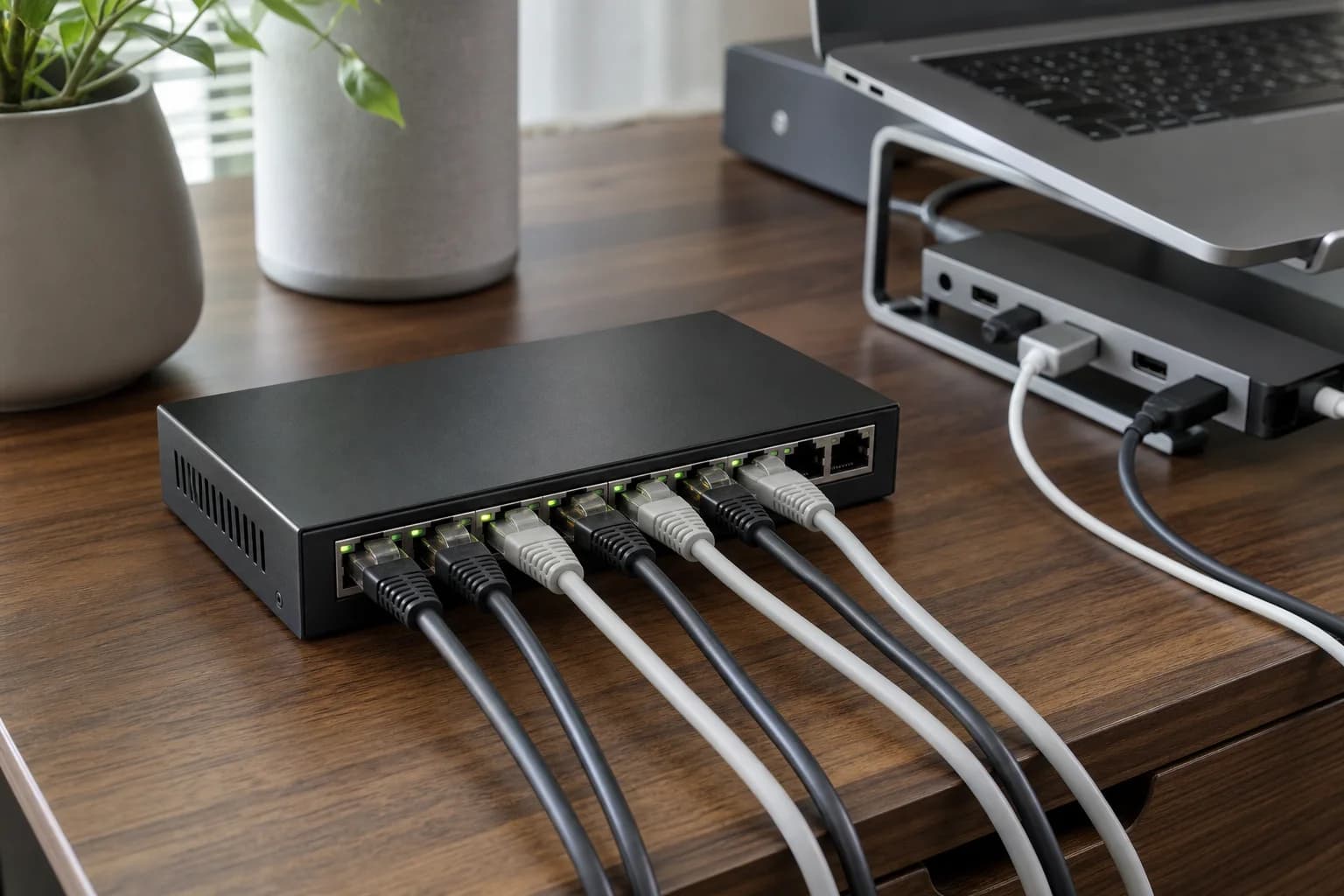
TRENDnet
A version-aware guide to TRENDnet's unmanaged eight-port 2.5GbE switch, including fanless operation, Cat5e-or-better cabling, its 40Gbps official switching specification, and the hardware-version check the Amazon title does not make obvious.
Best for: Quiet eight-port 2.5GbE expansion for a multi-gig home network
Main caution: No managed VLAN, link-aggregation, or monitoring controls
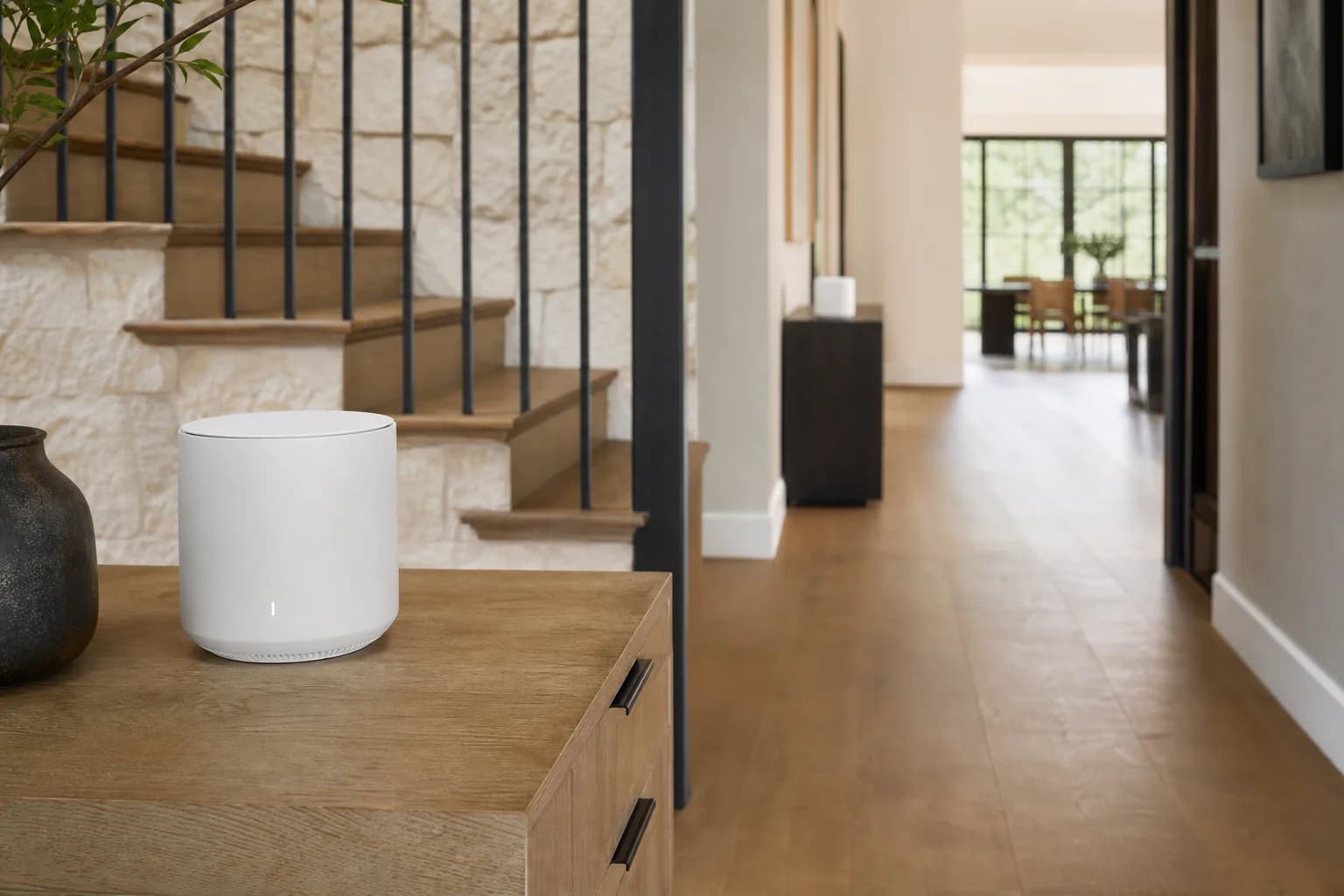
TP-Link
A premium-mesh guide to the BE85 two-pack, including its tri-band Wi-Fi 7 radios, two 10GbE paths, two 2.5GbE ports, SFP+ option, and substantial price premium over BE67.
Best for: Premium 10GbE mesh and demanding local networks
Main caution: Very expensive

TP-Link
A Deco BE25 two-pack review for 1Gbps and multi-gig homes: compare its two 2.5GbE ports, wired-backhaul fit, missing 6GHz band, and when the BE63 upgrade solves a real problem.
Best for: Affordable dual-band Wi-Fi 7 mesh with wired backhaul
Main caution: No 6GHz band
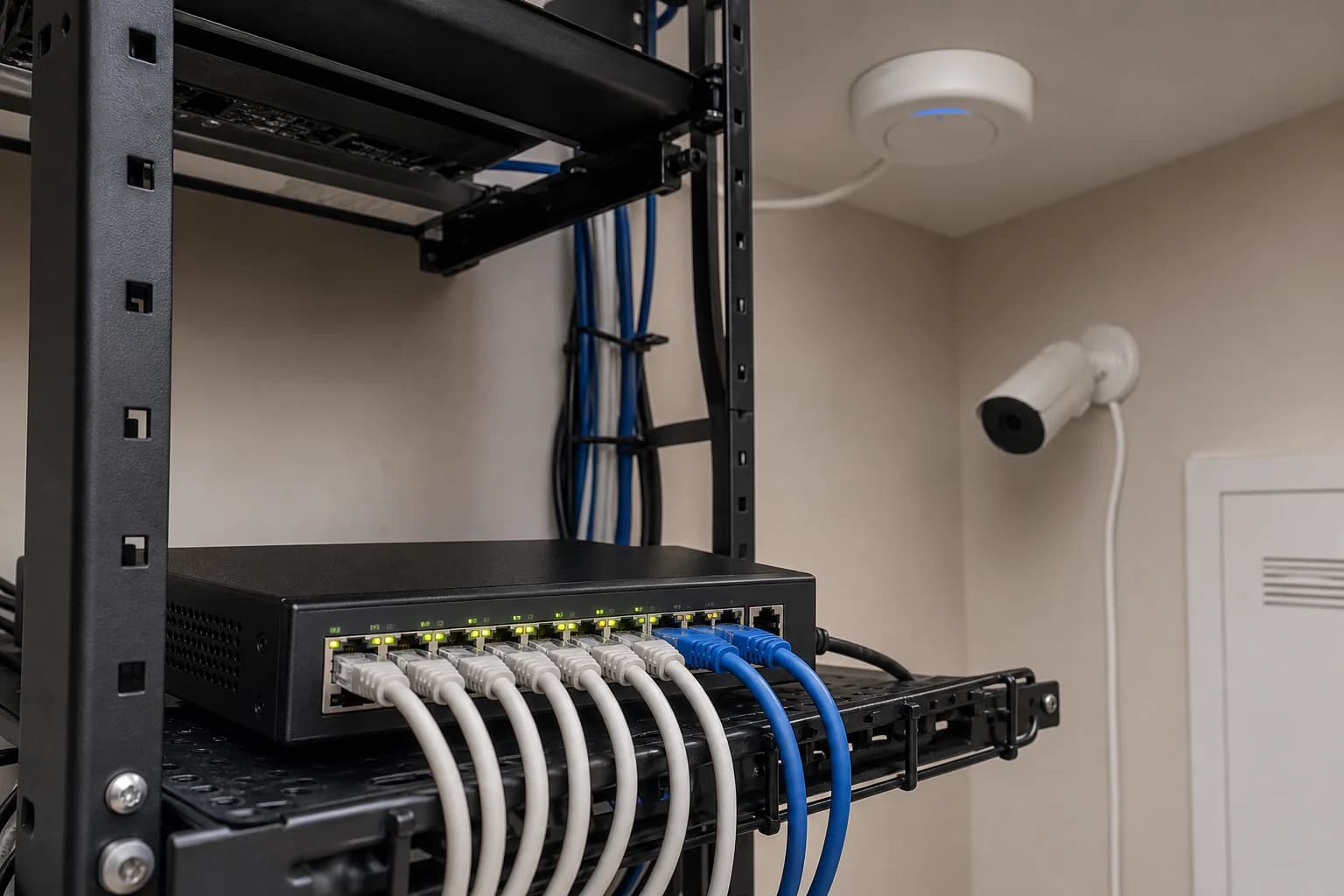
Reolink
A camera-first PoE switch guide for Reolink users comparing 8 PoE camera ports, 2 gigabit uplinks, a 120W budget, and NVR-centered wiring.
Best for: Reolink PoE camera systems and NVR-centered installs
Main caution: PoE camera ports are listed as 10/100Mbps, while uplinks are gigabit

TP-Link
A source-attributed Deco BE63 research guide comparing independent speed, range, wired-throughput, and satellite-latency findings with official US specifications, hardware-version risks, pack size, and BE67 or BE85 alternatives.
Best for: Wi-Fi 7 mesh with 2.5G wired backhaul
Main caution: Overkill for small homes with modest internet plans
Practical buying guides
These guides answer compatibility, sizing, placement, maintenance, and total-cost questions that product listings often leave unclear.
wifi
Compare Deco BE63, BE67, and BE85 by 2.5GbE and 10GbE ports, Wi-Fi class, pack size, wired backhaul, hardware version, and the network you actually have.
wifi
Keep Deco BE63 backhaul at 2.5Gbps by checking every port, switch, wall jack, cable, topology, and loop before blaming Wi-Fi 7.
wifi
Separate ISP, modem, main-node, backhaul, roaming, cable, and client problems before resetting the whole network.
wifi
Compare Wi-Fi 7 vs Wi-Fi 6 by client support, 6GHz behavior, multi-gig ports, mesh backhaul, coverage, and the bottleneck that would actually change after an upgrade.
wifi
Decide whether Deco BE67 is worth the upgrade by separating WAN speed, local transfers, wireless backhaul, client support, and the actual 10GbE path.
wifi
Verify the WAN, switch, NAS, client adapters, backhaul, and cables required to make the BE67 upgrade meaningful.
wired
A decision-first guide to optical time-domain reflectometers, using an exact current Amazon item as the checkout anchor while comparing it with a simpler loss test set or professional trace.
wired
A decision-first guide to waterproof rj45 couplers, using an exact current Amazon item as the checkout anchor while comparing it with a sealed junction box with a serviceable termination.
wifi
A decision-first guide to wall-plate wi-fi access points, using an exact current Amazon item as the checkout anchor while comparing it with ceiling access points with separate wall Ethernet ports.
wired
A decision-first guide to sfp28 transceivers, using an exact current Amazon item as the checkout anchor while comparing it with vendor-qualified direct-attach cables.
wired
A decision-first guide to sfp28 network switches, using an exact current Amazon item as the checkout anchor while comparing it with 10GbE SFP+ switching or direct-attach point links.
wired
A decision-first guide to serial device servers, using an exact current Amazon item as the checkout anchor while comparing it with a local USB serial adapter or controller replacement.
Optional planning tools
Tool
Estimate a starting router or mesh-node count from home size and connected-device count before choosing network hardware.
Tool
Estimate a starting node count from home size and floors, then identify where Ethernet backhaul deserves priority.