TP-Link
Wired networkingTP-Link UE302C Guide: 2.5G USB-C Ethernet Adapter
Official-spec guide · not hands-on
Use the decision points below to compare fit, compatibility, ownership trade-offs, and the exact current listing.
Current buying option
TP-Link UE302C 2.5G USB-C Ethernet Adapter
Current price & availability · purchase link
Open the named listing to compare the live price, availability, delivery, seller, and return terms.
A 2.5GbE USB-C adapter guide for laptops, iPads, compact desktops, and NAS troubleshooting where the built-in Ethernet port is missing or capped at gigabit.
Decide before the product image
- Best for
- Adding 2.5GbE to USB-C laptops and tablets
- Verify on Amazon US
- Confirm ASIN B0DSCDGD4G, UE302C model, host compatibility, and seller.
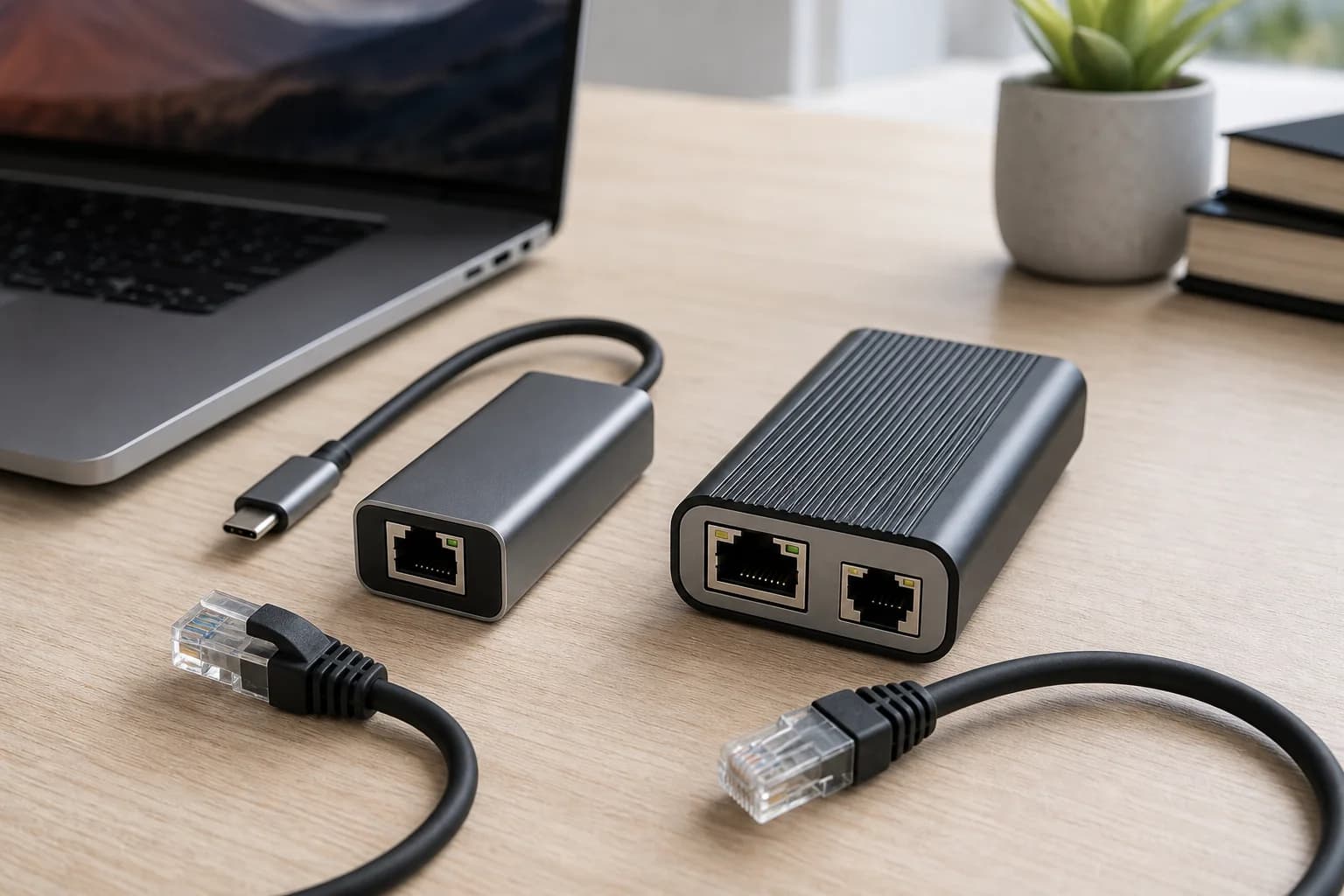
Editorial image for visual context; the linked listing may have a different product appearance or configuration.
Direct answer to the buying question
Will TP-Link UE302C actually deliver more than 1Gbps?
UE302C can exceed gigabit only when the host USB-C mode, operating-system support, adapter, Ethernet cable, switch or router port, and destination all support the faster path. Check the negotiated local link speed first; a 2.5GbE adapter cannot remove a gigabit limit elsewhere.
Continue this decision
Decision 1
TP-Link UE302C vs Sabrent NT-25GA: Which 2.5G USB-C Adapter?
Compare two USB-C 2.5GbE adapters by model clarity, OS support, chipset notes, heat risk, desk workflow, and whether a full dock would be better.
Decision 2
USB-C Ethernet Adapter vs Dock: What to Buy for a Laptop
Decide between a simple Ethernet dongle, USB-C hub, or full dock by display, charging, laptop support, and desk workflow.
Decision 3
Ethernet Stuck at 100 Mbps? Fix Cable, Port or Adapter
Use the negotiated link speed to isolate a bad cable, 100 Mbps port, wall jack, dock, adapter, or auto-negotiation fault before buying new network gear.
Decision 4
2.5G Home Network Upgrades Before Buying a New Router
Compare compact 2.5G switches, USB-C adapters, cable modems, and MoCA before blaming the router for every speed problem.
Decision 5
Cable Modem 2.5GbE Port Buying Guide
Before buying ARRIS S33, Motorola MB8611, or Hitron CODA56, check ISP approval, voice support, router WAN speed, and whether the plan can exceed gigabit.
Related search answers
Official-spec guide · not hands-on
Use the decision points below to compare fit, compatibility, ownership trade-offs, and the exact current listing.
Quick verdict
Best fit
Adding 2.5GbE to USB-C laptops and tablets
Main upside
2.5GbE RJ45 adapter in a small USB-C format
Check first
Requires a compatible USB-C host and 2.5GbE switch or router path
What matters most
- Updated
- July 28, 2026
- Decision scope
- Fit, compatibility, ownership, and current-listing checks
- Version risk
- Confirm ASIN B0DSCDGD4G and UE302C model on Amazon
- Price or bundle risk
- Confirm ASIN B0DSCDGD4G, UE302C model, host compatibility, and seller.
Current product and listing
- Current listing
- Amazon ASIN B0DSCDGD4G
- Product name
- TP-Link UE302C 2.5G USB-C Ethernet Adapter
- Model or bundle
- TP-Link UE302C 2.5G USB-C Ethernet Adapter
- Confirm before buying
- Confirm ASIN B0DSCDGD4G and UE302C model on Amazon
- Live buying conditions
- Confirm ASIN B0DSCDGD4G, UE302C model, host compatibility, and seller.
What can change before checkout
- Page updated
- July 28, 2026
- Exact product
- Amazon ASIN B0DSCDGD4G
- Price and availability
- Check the merchant page for the current price, coupon, stock, and delivery
- Seller and returns
- Confirm the selected seller, included bundle, warranty path, and return terms before ordering
Product facts
- Exact product
- TP-Link UE302C 2.5G USB-C Ethernet Adapter
- Brand
- TP-Link
- Best use case
- Adding 2.5GbE to USB-C laptops and tablets
- Category
- wired
- ASIN
- B0DSCDGD4G
- Price band
- $
Compatibility checks
- Confirm ASIN B0DSCDGD4G and UE302C model on Amazon
- Check the host USB-C port and operating-system support before buying
- Verify the switch, router, and cable can negotiate 2.5GbE
- Use OS link-speed reporting before blaming an internet speed test
Key specifications
| Spec | Value to verify |
|---|---|
| ASIN | B0DSCDGD4G |
| Interface | USB-C |
| Ethernet | 2.5GbE RJ45 |
| Use case | Laptop, tablet, compact desktop, or troubleshooting adapter |
| Power | Bus powered |
Fit decision guide
Best when
Your priority is adding 2.5gbe to usb-c laptops and tablets and the exact listing matches the specs below.
Main trade-off
Requires a compatible USB-C host and 2.5GbE switch or router path
Also compare
Compare Sabrent NT-25GA if chipset, Wake-on-LAN, or OS notes matter.
Confirm before checkout
Confirm ASIN B0DSCDGD4G and UE302C model on Amazon
Bottom line
UE302C is a practical adapter when the laptop or tablet has a fast enough USB-C port and the rest of the network path can negotiate 2.5GbE.
Why it matters
USB-C adapters are often blamed for slow speeds when the real limit is the cable, switch, router port, USB mode, driver, or computer power policy.
Adapters are path tools
A 2.5G adapter is only useful when both the host and the network side support the speed. Use it to test the local path, not just public speed tests.
Driver and heat checks matter
Small adapters can run warm and may rely on OS driver support. Confirm the intended computer and OS before buying several for a team.
Who should skip it
Skip it when the laptop only needs occasional gigabit Ethernet or when the switch/router side remains gigabit-only.
Where it wins
- 2.5GbE RJ45 adapter in a small USB-C format
- Useful for laptops without Ethernet
- Good test tool for diagnosing a multi-gig path
Trade-offs
- Requires a compatible USB-C host and 2.5GbE switch or router path
- Operating-system driver behavior can vary
- Does not fix a cable, switch, or ISP bottleneck
What to verify
- Confirm ASIN B0DSCDGD4G and UE302C model on Amazon
- Check the host USB-C port and operating-system support before buying
- Verify the switch, router, and cable can negotiate 2.5GbE
- Use OS link-speed reporting before blaming an internet speed test
Who should buy it
Consider TP-Link UE302C 2.5G USB-C Ethernet Adapter if your priority is adding 2.5gbe to usb-c laptops and tablets and you want a product that fits your home-network setup without adding unnecessary complexity.
Also compare
- Compare Sabrent NT-25GA if chipset, Wake-on-LAN, or OS notes matter.
- Use a full USB-C dock when display, charging, and USB-A are also required.
Compare nearby options
| Product | Best for | Check first | Price band | Exact listing |
|---|---|---|---|---|
| TP-Link UE302C 2.5G USB-C Ethernet Adapter | Adding 2.5GbE to USB-C laptops and tablets | Requires a compatible USB-C host and 2.5GbE switch or router path | $ | ASIN B0DSCDGD4G |
| Sabrent NT-25GA USB-C 2.5GbE Ethernet Adapter | 2.5GbE laptop adapter with clear model and chipset notes | Still depends on host USB and OS support | $ | ASIN B0CXBRNSC4 |
| UGREEN Revodok USB-C Gigabit Ethernet Hub | Laptop Ethernet plus desk hub needs | More hub than needed if you only want Ethernet | $ | wired |
Sabrent
Sabrent NT-25GA USB-C 2.5GbE Ethernet Adapter
2.5GbE laptop adapter with clear model and chipset notes
UGREEN
UGREEN Revodok USB-C Gigabit Ethernet Hub
Laptop Ethernet plus desk hub needs
Related setup guides
wifi
2.5GbE Home Network Upgrade Checklist: Router, Switch, NAS and Cables
Audit every link from the ISP handoff to the mesh nodes, switch, NAS, desktop, adapter, and cable before paying for multi-gig hardware.
wired
Ethernet Stuck at 100 Mbps? Fix Cable, Port or Adapter
Use the negotiated link speed to isolate a bad cable, 100 Mbps port, wall jack, dock, adapter, or auto-negotiation fault before buying new network gear.
wired
2.5G vs 10G Switch for a Home NAS
Most homes should fix the 2.5GbE path first; 10G makes sense when the NAS, desktop, cabling, noise, and budget all support it.
wired
2.5GbE Switch for NAS and Wi-Fi 7 Mesh: Port Budget Checklist
Map the modem or ONT, router, switch, NAS, workstation, Wi-Fi 7 access point, mesh backhaul, adapters, and slower side devices before buying.
Comparisons featuring this product
Comparison
2.5G Home Network Upgrades Before Buying a New Router
Compare compact 2.5G switches, USB-C adapters, cable modems, and MoCA before blaming the router for every speed problem.
Comparison
TP-Link UE302C vs Sabrent NT-25GA: Which 2.5G USB-C Adapter?
Compare two USB-C 2.5GbE adapters by model clarity, OS support, chipset notes, heat risk, desk workflow, and whether a full dock would be better.
Version and price risk
Treat the exact listing as part of the product. Confirm the model number, hardware revision, included accessories, seller, coupon state, and return path before checkout. Current link note: Confirm ASIN B0DSCDGD4G, UE302C model, host compatibility, and seller.
Before you buy
- Confirm the exact hardware version, pack quantity, port speeds, regional model, and current firmware support.
- Check the retailer listing, seller, return window, and whether subscriptions change any advertised feature.
- Map placement, Ethernet backhaul, client support, and the actual internet bottleneck before upgrading.
- Check for recurring quality-control patterns after confirming the exact model.
Sources and methodology
We have not tested this product ourselves. This guide uses current manufacturer documentation and listing checks to identify fit, compatibility, version, and purchase risks.
References checked
- TP-Link UE302C — Official adapter page and compatibility details.
- Amazon listing for ASIN B0DSCDGD4G — Exact linked Amazon listing; confirm model and seller.