Signalwise Picks
Browse
Wired networking

2.5GbE Switch for NAS and Wi-Fi 7 Mesh: Port Budget Checklist

Current retailer option

TP-Link TL-SG105-M2 5-Port 2.5G Switch

Open the named TP-Link TL-SG105-M2 5-Port 2.5G Switch listing to compare the live price, availability, delivery, seller, and returns.

Map the modem or ONT, router, switch, NAS, workstation, Wi-Fi 7 access point, mesh backhaul, adapters, and slower side devices before buying.

Prepared by the Signalwise Picks editorial deskUpdated August 6, 2026

Quick answer

The practical answer

Choose a real job such as desktop-to-NAS backup or router-to-mesh backhaul. Draw every port and cable. The slowest negotiated segment sets the ceiling.

Direct answer to the buying question

How many 2.5GbE switch ports do a NAS and Wi-Fi 7 mesh need?

Count one port for the router uplink, then one for every NAS, wired mesh node or access point, workstation, dock, and other multi-gig device. Keep printers, TVs, hubs, and other gigabit-only devices on a cheaper gigabit branch when practical. A five-port switch normally leaves four downstream multi-gig connections; draw the complete path before choosing it.

Page structure updated August 13, 2026Evidence checked August 6, 2026Reconfirm exact model and current terms

Related search answers

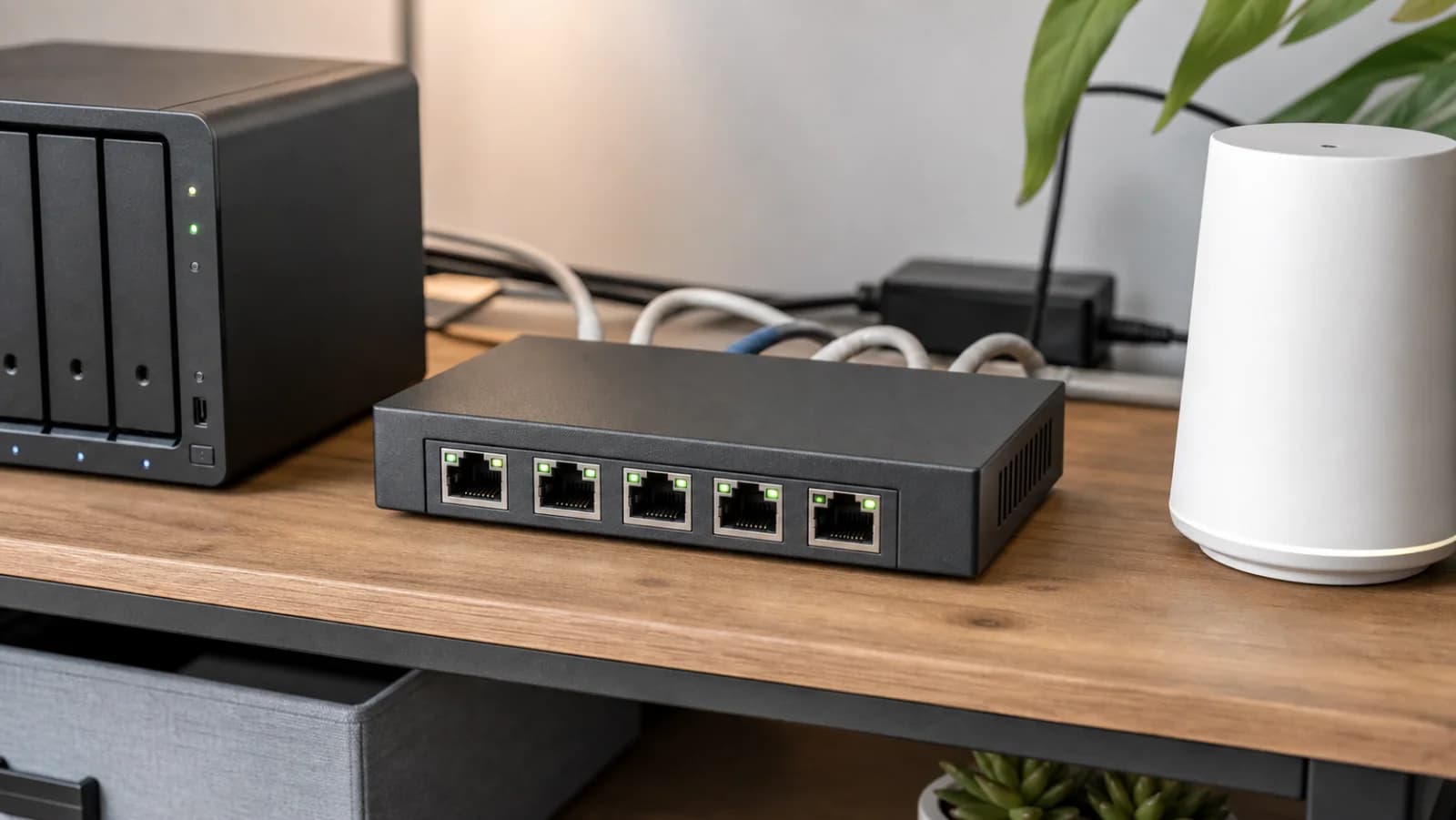
Generic five-port 2.5GbE switch beside a NAS and mesh node on a tidy home network shelf
Editorial image for visual context; device appearance and configuration can vary by model and region.

Draw one path before buying hardware

Choose a real job such as desktop-to-NAS backup or router-to-mesh backhaul. Draw every port and cable. The slowest negotiated segment sets the ceiling.

Separate local traffic from internet speed

A desktop and NAS can benefit from 2.5GbE with slower internet. A 2Gbps plan can still test below gigabit on one client because of Wi-Fi, server, protocol, or adapter limits.

Keep slow devices off the expensive port budget

Printers, smart-home hubs, TVs, and many consoles do not need dedicated 2.5GbE. A gigabit branch can preserve multi-gig ports for the NAS, workstation, access point, and backhaul.

Verify after installation

Check link speed on the router, switch, NAS, and computer, then run a local transfer that can sustain the target. Internet speed tests alone cannot prove the LAN path.

Side-by-side checks

End-to-end 2.5GbE path check

CheckDevice or linkMinimum questionCommon failure
Router uplinkDoes LAN negotiate 2.5G?Multi-gig WAN, gigabit LANConfirm before purchase
NASCan NIC and storage sustain it?Fast port, slow workloadConfirm before purchase
ComputerBuilt-in 2.5G or supported adapter?Driver or USB capConfirm before purchase
Mesh or APWhich port handles backhaul?Fast switch, gigabit mesh portConfirm before purchase
CablingDo both ends negotiate reliably?Bad lead, jack, or terminationConfirm before purchase

Primary sources

References used for this guide

Buying framework

What to check before you choose

Checklist

  • Map the modem or ONT location, office desk, TV area, and any rooms that need wired stability.
  • Check WAN/LAN port speeds, wired backhaul options, and whether your internet plan actually needs Wi-Fi 7.
  • Count fixed devices separately from phones, tablets, and smart-home gear before buying a bigger system.

Common mistakes

  • Buying the fastest advertised Wi-Fi number while leaving the router in a bad location.
  • Ignoring Ethernet paths that could make mesh nodes, TVs, consoles, or office desks more stable.
  • Choosing a premium router before checking client device support, subscription features, and return path.

Category checks

  • A cheap switch is fine for simple rooms, but port speed and management features matter for NAS or office setups.
  • Cable category should match run length and future speed needs.
  • Adapters and hubs should be checked against laptop charging, display, and Ethernet needs together.

Decision rule

Spend more when coverage, wired backhaul, multi-gig ports, or device count solves a known bottleneck; spend less when placement or one Ethernet run fixes the problem first.
Related guide

5-Port vs 8-Port 2.5GbE Switch: Count the Uplink First

Choose five or eight multi-gig ports by counting the router uplink, NAS, desktops, Wi-Fi 7 access points, mesh nodes, docks, media devices, and spare capacity.

Related guide

2.5GbE Home Network Upgrade Checklist: Router, Switch, NAS and Cables

Audit every link from the ISP handoff to the mesh nodes, switch, NAS, desktop, adapter, and cable before paying for multi-gig hardware.

Related guide

When Is a 2.5GbE Switch Worth It?

Map internet, NAS, desktop, access-point, adapter, cable, and uplink speeds before replacing a working gigabit switch.

Related guide

Cat6 vs Cat6A vs Flat Ethernet Cable: What to Buy for Home

Choose Cat6, Cat6A, flat cable, or short patch cables by run length, placement, speed target, and damage risk.

Related product guide

TP-Link TL-SG105-M2 5-Port 2.5G Switch

A version-aware guide to the fanless TL-SG105-M2, covering its five 100M/1G/2.5G ports, 25Gbps switching capacity, 12.11W listed maximum draw, port budget, and unmanaged limits.

Related product guide

NETGEAR MS305 5-Port 2.5G Switch

A compact-switch guide to MS305, with five 100M/1G/2.5G ports, fanless metal construction, 9.24W listed maximum draw, 9,720-byte jumbo frames, mounting kit, and warranty-region checks.

Related product guide

TRENDnet TEG-S380 8-Port 2.5G Switch

A version-aware guide to TRENDnet's unmanaged eight-port 2.5GbE switch, including fanless operation, Cat5e-or-better cabling, its 40Gbps official switching specification, and the hardware-version check the Amazon title does not make obvious.

Related product guide

TP-Link UE302C 2.5G USB-C Ethernet Adapter

A 2.5GbE USB-C adapter guide for laptops, iPads, compact desktops, and NAS troubleshooting where the built-in Ethernet port is missing or capped at gigabit.

Related comparison

Best Fanless 2.5GbE Switches for a Home NAS and Wi-Fi 7 Mesh

Compare TP-Link, NETGEAR, and TRENDnet 2.5GbE switches by five-versus-eight-port fit, enclosure size, management limits, power, mounting, version risk, and usable network path.

Related comparison

Best 2.5G Home Network Upgrades Before Buying a New Router

Compare compact 2.5G switches, USB-C adapters, cable modems, and MoCA before blaming the router for every speed problem.

Related comparison

TP-Link TL-SG105-M2 vs NETGEAR MS305 vs TRENDnet TEG-S350

Compare three fanless five-port 2.5GbE switches by size, power, official documentation, mounting, hardware-version risk, warranty path, and when eight ports are better.

2.5GbE Switch for NAS and Wi-Fi 7 Mesh: Port Budget Checklist