OKN WiFi 6E AX5400 PCIe WiFi Card for Desktop PC (Intel AX210) Bluetooth 5.3, WPA3, 802.11AXE Tri Band Wireless Adapter with MU-MIMO, OFDMA, Ultra-Low Latency, Supports Windows 11, 10 (64bit)
Open the exact family listing to compare the live price, availability, delivery, seller, and returns.
Compare a PCIe Wi-Fi card with a USB adapter or Ethernet, then check the desktop slot, bracket, Bluetooth header, drivers, and antenna position.
Prepared by the Signalwise Picks editorial deskUpdated October 13, 2026
Quick answer
Should I choose a PCIe Wi-Fi card or a USB Wi-Fi adapter for my desktop?
Choose PCIe when your desktop has a suitable accessible slot, bracket space, supported drivers, and a useful antenna position. Choose USB when you need easy installation or use with several computers. Use Ethernet when a cable is practical and reliability matters most. A PCIe card's Wi-Fi connection and its optional Bluetooth USB-header connection are separate installation checks.
Side-by-side checks
Connection choice and the installation work it requires
Check
Best reason to choose it
Check before buying
PCIe Wi-Fi card
Permanent desktop installation with a documented antenna arrangement
Available slot, case bracket height, GPU clearance and exact OS driver
USB Wi-Fi adapter
Portable upgrade without opening the case
Driver support, physical port space and antenna location behind the desk
Ethernet
A practical cable route without dependence on Wi-Fi reception
Router/switch port, NIC speed and a suitable cable route
PCIe card with Bluetooth
Adds both functions when the PC supports the required connections
An available motherboard USB header and the supplied Bluetooth lead
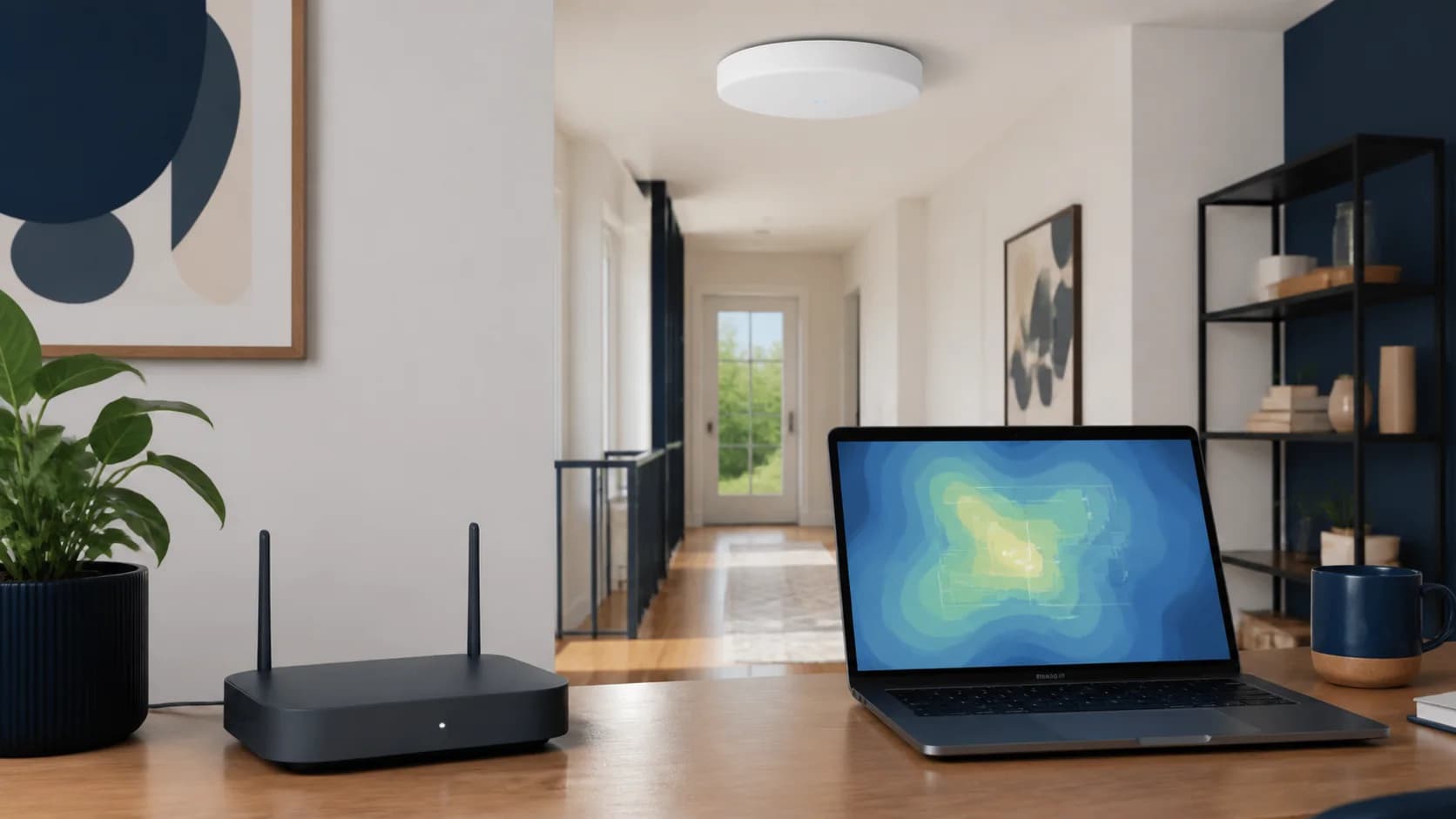
Original editorial image for category, fit, and use context; verify the exact linked product appearance and configuration on the retailer page.
Check the slot and case as two separate dimensions
Consult the motherboard layout to find a suitable slot, then look for a graphics card or other component that blocks access. As a specific manufacturer example, TP-Link's Archer TXE75E installation guide permits PCIe x1, x4, x8, or x16 slots and supplies a low-profile bracket. Those details apply to that model; another card may differ. Match the bracket to the case opening and allow room for the antenna connectors and cables outside the case. Follow the PC maker's power-off and installation instructions.
Bluetooth can fail while Wi-Fi works
The TXE75E's Wi-Fi uses the PCIe connection, while Bluetooth needs its supplied cable connected to a motherboard USB header. Installing a Bluetooth driver does not replace that physical connection. Before buying a card with both functions, identify the appropriate free header using your motherboard manual and check whether another device already occupies it. Treat a missing or incompatible header as a Bluetooth limitation, not proof that the entire wireless card is defective.
Match drivers to hardware revision and region
Record the exact model and hardware version printed on the card or box, then choose the matching regional support page and operating-system driver. TP-Link's US V1 support page describes Windows 11 requirements for using that revision's 6 GHz band. Do not transfer that statement blindly to every adapter or driver version. Wi-Fi and Bluetooth may have separate packages. Download supported drivers before opening the PC so that losing network connectivity during installation does not leave you without the files.
Fix antenna placement before paying for a faster label
Write down the router's supported bands and where the PC sits relative to it. A desktop under a desk or against a wall can leave rear-mounted antennas poorly positioned. A documented remote antenna base offers a placement option; it is not a promise of a particular throughput. Compare a problem connection in the intended position and a less obstructed position. If other devices also struggle there, investigate the network and placement before attributing the fault to the desktop adapter.
Count installation and maintenance costs that are real
Include any required low-profile bracket, antenna lead, USB-header connection, and supported driver work in the comparison. Keep the model, revision, installed driver versions, and original driver files with your PC notes. After an OS upgrade, troubleshoot the Wi-Fi and Bluetooth functions separately. Choose USB if easy removal matters more than internal installation; choose PCIe if the slot, drivers, and antenna arrangement fit.
Current Amazon option
Check this exact product
OKN WiFi 6E AX5400 PCIe WiFi Card for Desktop PC (Intel AX210) Bluetooth 5.3, WPA3, 802.11AXE Tri Band Wireless Adapter with MU-MIMO, OFDMA, Ultra-Low Latency, Supports Windows 11, 10 (64bit)
ASIN
B07X462KRK
Brand
OKN
Listing checked
8/9/2026
Compare the current title, ASIN, variant, seller, stock, shipping, price, and return path before ordering.
Match hardware revision, operating system and region before selecting drivers.
Public owner context
Questions to answer before buying
Community discussions help surface installation, fit, maintenance, and failure questions. They are anecdotal context, not product specifications or a substitute for current instructions.
A public owner discussion used to identify questions and failure modes. Comments are anecdotal; no username, vote count, rating, or verbatim review is reproduced, and product facts must be verified independently.
Research notes
How we evaluated these choices
1.Manufacturer documentation checked on October 13, 2026. Calculations and suggested acceptance checks are labelled; this is not a hands-on product test.