Signalwise Picks
Browse
Wi-Fi

Deco Wi-Fi 7 Model Number Checklist: BE25, BE63 & BE67

Prevent the most expensive Deco buying mistake: comparing the wrong radio class, regional model, pack count, ASIN, or hardware-version listing.

Prepared by the Signalwise Picks editorial deskUpdated July 16, 2026

Best starting point

TP-Link Deco BE25 Wi-Fi 7 Mesh (2-Pack)

Price band: $$

Start with the evidence page for TP-Link Deco BE25 Wi-Fi 7 Mesh (2-Pack), then compare the alternatives against your layout, budget, and compatibility needs.

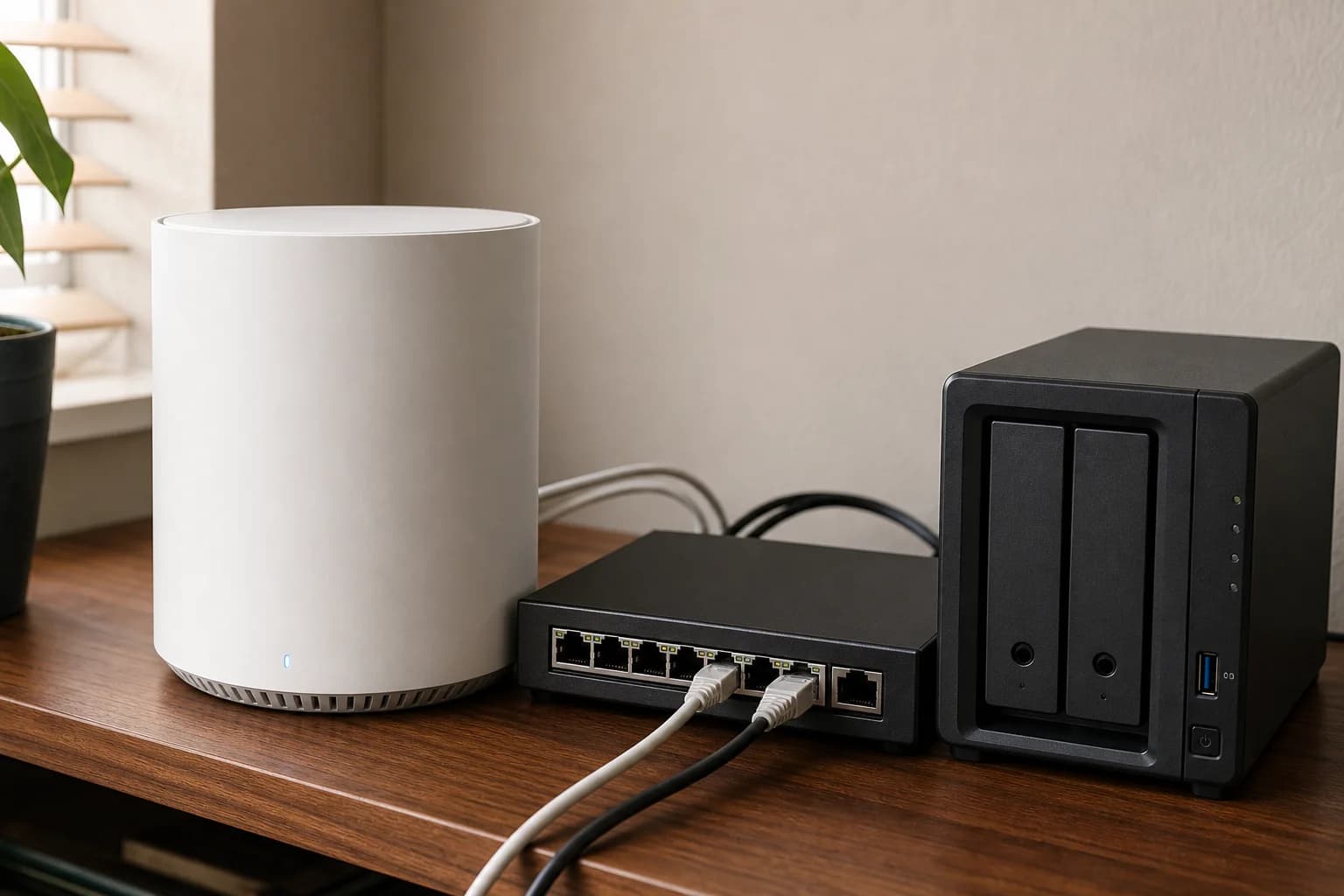
White Wi-Fi 7 mesh units arranged for a model and pack comparison
Editorial image for visual context; device appearance and configuration can vary by model and region.

Record the complete model string

Write BE25, BE63, or BE67 exactly. Similar Deco shells and shortened retailer titles can hide different radio bands, port layouts, and firmware paths.

Match the market

Use the US product page for a US listing and confirm plug, radio, channel, port, and warranty details. A review of another regional SKU may describe a different speed class or hardware configuration.

Keep pack count next to price

A one-pack price can make a faster model look cheaper than a two-pack alternative. Normalize every comparison to the number of nodes the home actually needs.

Check hardware version on arrival

Firmware downloads are tied to model, hardware version, and region. Photograph the label before installation and use only the matching official support path.

Primary sources

References used for this guide

Buying framework

What to check before you choose

Checklist

  • Map the modem or ONT location, office desk, TV area, and any rooms that need wired stability.
  • Check WAN/LAN port speeds, wired backhaul options, and whether your internet plan actually needs Wi-Fi 7.
  • Count fixed devices separately from phones, tablets, and smart-home gear before buying a bigger system.

Common mistakes

  • Buying the fastest advertised Wi-Fi number while leaving the router in a bad location.
  • Ignoring Ethernet paths that could make mesh nodes, TVs, consoles, or office desks more stable.
  • Choosing a premium router before checking client device support, subscription features, and return path.

Category checks

  • Coverage claims assume ideal rooms; walls, floors, and router placement change the result.
  • Multi-gig ports matter only when the modem, router, switch, and client path can use them.
  • Mesh is easier, but wired backhaul is usually the cleaner long-term upgrade.

Decision rule

Spend more when coverage, wired backhaul, multi-gig ports, or device count solves a known bottleneck; spend less when placement or one Ethernet run fixes the problem first.

Related guide

Deco BE63 & BE67 Wired Backhaul Port Checklist

Assign WAN, wired backhaul, NAS, switch, desktop, and spare capacity before choosing four equal 2.5GbE ports or a mixed 10GbE layout.

Related guide

One Deco Wi-Fi 7 Unit vs. a Two-Pack: Which Should You Buy?

Choose node count by floor plan, wall loss, wired backhaul, router location, dead zones, and the cost of adding a mismatched extra unit later.

Related guide

Deco BE67 10GbE Network Checklist

Verify the WAN, switch, NAS, client adapters, backhaul, and cables required to make the BE67 upgrade meaningful.

Related guide

Deco BE63 vs BE67 vs BE85: Ports, Speed and Best Value

Compare Deco BE63, BE67, and BE85 by 2.5GbE and 10GbE ports, Wi-Fi class, pack size, wired backhaul, hardware version, and the network you actually have.

Related product guide

TP-Link Deco BE25 Wi-Fi 7 Mesh (2-Pack)

A value-focused guide to the dual-band Deco BE25 two-pack, its two 2.5GbE ports, wired backhaul, lack of a 6GHz band, and the homes where it makes more sense than BE63.

Related product guide

TP-Link Deco BE67 Wi-Fi 7 Mesh (2-Pack)

A 2026 Deco BE67 review covering the BE14000 two-pack, 10GbE and 2.5GbE ports, 6GHz backhaul, current firmware, and when it is worth paying more than BE63.

Related product guide

TP-Link Deco BE63 Wi-Fi 7 Mesh System

A research-based TP-Link Deco BE63 review covering BE10000 specs, the 3-piece wireless tri-band Wi-Fi 7 mesh listing, 2.5G ports, Deco 7 Pro BE63 naming, wired backhaul, and BE67 or BE85 alternatives.

Related comparison

Best Deco Wi-Fi 7 Mesh for Wired Backhaul

Choose Deco BE25, BE63, or BE67 by Ethernet port count, 6GHz needs, pack size, switch speed, and the WAN-to-satellite path the home can actually use.

Related comparison

TP-Link Deco BE67 vs BE63: Specs, Ports and Which One to Buy?

Compare Deco BE67 vs BE63 by BE class, 10GbE versus four 2.5GbE ports, 6GHz, coverage, backhaul, and real upgrade value.

Related comparison

Best Wi-Fi 7 Router for One-Router Homes

Compare practical Wi-Fi 7 routers against mesh when placement, WAN/LAN ports, firmware controls, and client support decide the real upgrade.