Signalwise Picks
Browse
Wired networking

Network Cable Toner and Probe Buying Guide: Trace First, Test Second

Current retailer option

NETGEAR GS308E 8-Port Gigabit Switch

Open the exact family listing to compare the live price, availability, delivery, seller, and returns.

Choose a toner and probe by cable state, connector types, live-network safety, audible discrimination, continuity functions, and the building you need to trace.

Prepared by the Signalwise Picks editorial deskUpdated August 10, 2026

Quick answer

The practical answer

Choose a kit rated for the cable and connection state you will trace, with connectors that match the patch panel and wall runs. A toner locates an unknown cable; a wiremap tester diagnoses conductor order and opens. Many buyers need both jobs, but they must follow the model's live-circuit restrictions.

Common buying question

Which cable toner and probe kit should I buy to identify unknown Ethernet runs without damaging connected equipment?

Existing Ethernet tester content does not answer tone injection, inductive probe use, live-service restrictions, analog/digital tone compatibility, or crowded-bundle identification.

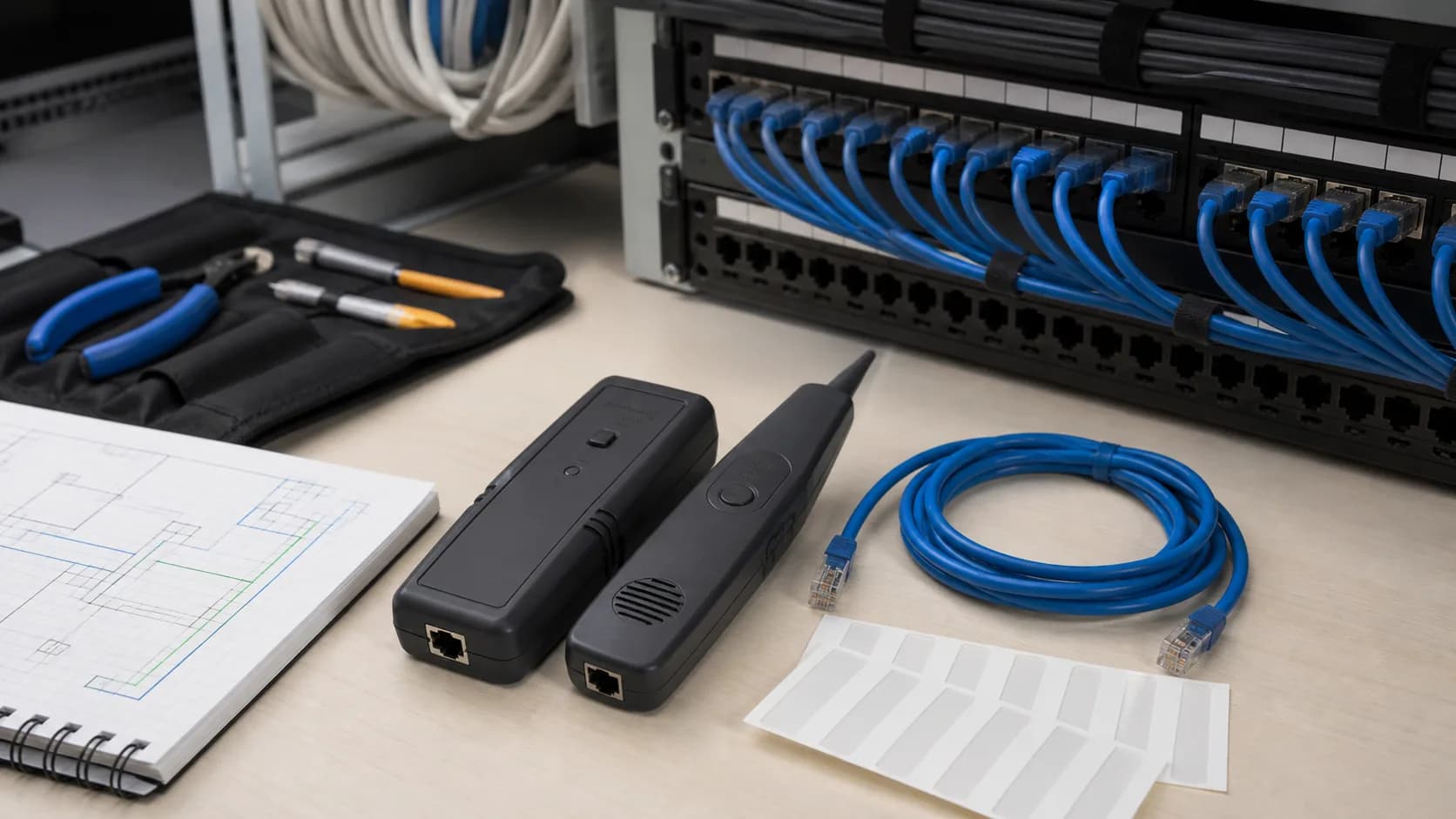
Editorial structured-cabling workspace representing cable tracing and labeling
Original editorial image for category, fit, and use context; verify the exact linked product appearance and configuration on the retailer page.

Name the job before buying the tool

Use a toner and inductive probe to find a cable whose far end is unknown. Use a wiremap tester to identify opens, shorts, reversals, and split pairs when both ends are accessible. Qualification and certification are different, more demanding tasks. One kit can combine basic functions, but its product name does not make those functions equivalent.

Disconnect and inspect before injecting tone

Identify power, PoE, telephone voltage, active switches, and connected equipment. Follow the exact manual on whether a given mode can touch a live circuit. Label both ends and isolate the run whenever possible. Never assume an RJ45-shaped port is ordinary unpowered Ethernet or connect an unknown cable just to see what happens.

Match the tone to the building

Crowded bundles, foil, conduit, long parallel runs, and electrical noise change how clearly a probe can distinguish one cable. Compare tone patterns, sensitivity control, audible and visual indication, probe tip access, headphone support, and replaceable parts. Practice on a labeled run before entering a dense cabinet.

Use a repeatable trace-and-label workflow

Start at a documented outlet, photograph the panel, tone only the isolated run, reduce sensitivity as the candidate narrows, confirm with continuity or a remote identifier, then label both ends with the same permanent identifier. Update the port map immediately; otherwise the tool solves the same uncertainty again on the next visit.

Know when the kit is not enough

A basic toner does not prove Cat6A performance, locate every intermittent fault, authorize work on energized conductors, or replace a network qualification report. Use a switch-port tool for active endpoint discovery and a proper certifier or qualified cabling professional when the result must support a warranty, building handoff, or compliance record.

Current Amazon option

Check this exact product

Klein Tools VDV500-820 Pro Kit Tone Generator and Probe

ASIN
B07VYN98QV
Brand
Klein Tools
Listing checked
8/10/2026

Compare the current title, ASIN, variant, seller, stock, shipping, price, and return path before ordering.

Side-by-side checks

Choose the tool by the actual tracing job

CheckToner and probeSimpler or different tool
Unknown far endUseful for locating a cable in a bundle or wall boxA wiremap tester needs access to both known ends.
Conductor orderOnly if the kit includes mapping or continuity functionsA dedicated wiremap tester usually presents faults more clearly.
Live EthernetOnly in modes explicitly approved by the manualUse a switch-port discovery or link tool when service must remain connected.
Crowded bundleAdjustable tone and a sensitive probe help discriminateVisual tracing may be safer when the route is exposed.
Coax or phoneRequires matching connectors and stated supportUse cable-specific testers when fault diagnosis matters.
CertificationNot a bandwidth certifierHire or use a standards certifier for documented link performance.

Primary sources

References used for this guide

Public owner context

Questions to answer before buying

Community discussions help surface installation, fit, maintenance, and failure questions. They are anecdotal context, not product specifications or a substitute for current instructions.

  • Reddit r/lowvoltage

    Cable toner and probe buying discussion

    Used to identify repeated concerns about noisy bundles, tool durability, and tracing workflow; no recommendation is copied as test evidence.

How this page was governed

Page-specific editorial method

  1. 1.Separate locating, wiremapping, qualification, and certification before selecting a tool.
  2. 2.Read the exact live-circuit and voltage restrictions before connecting a tone generator.
  3. 3.Check connector and adapter coverage against the real patch panel, jacks, phone, or coax plant.
  4. 4.Use community questions only to identify failure modes, never as permission to ignore the manual.

Related guide

Ethernet Cable Testers Buying Guide

Which ethernet cable testers are worth buying when the real job is to find opens, shorts, split pairs, length faults, or qualification problems in installed Ethernet cabling? This guide turns that question into model-level checks, a reversible setup, a first-year ownership plan, and a clear skip decision.

Related guide

Ethernet Patch Panels Buying Guide

Which ethernet patch panels are worth buying when the real job is to terminate permanent room cables into labeled, serviceable ports? This guide turns that question into model-level checks, a reversible setup, a first-year ownership plan, and a clear skip decision.

Related guide

Cat6 vs Cat6A vs Flat Ethernet Cable: What to Buy for Home

Choose Cat6, Cat6A, flat cable, or short patch cables by run length, placement, speed target, and damage risk.

Related guide

Home Ethernet Switch Buying Guide: Gigabit, 2.5G and Smart Features

Pick a home Ethernet switch by port count, speed, fanless operation, VLAN needs, desk placement, and room to grow.

Related guide

USB-C Ethernet Adapter vs Dock: What to Buy for a Laptop

Decide between a simple Ethernet dongle, USB-C hub, or full dock by display, charging, laptop support, and desk workflow.

Related guide

Ethernet Stuck at 100 Mbps? Fix Cable, Port or Adapter

Use the negotiated link speed to isolate a bad cable, 100 Mbps port, wall jack, dock, adapter, or auto-negotiation fault before buying new network gear.

Related guide

NETGEAR GS908E Review: Smart Managed Plus or Old Gigabit Switch?

Check GS908E's eight gigabit ports, smart management, cable routing, hardware region, and whether GS308E or 2.5GbE is the better buy.

Related guide

Deco BE63 2.5GbE Ports Explained: WAN, LAN, Switches and Backhaul

Plan the four auto-sensing ports around a multi-gig internet connection, wired backhaul, office devices, and the real bottleneck in the path.

Related product guide

NETGEAR GS308E 8-Port Gigabit Switch

An 8-port easy smart gigabit switch for users who want simple wired expansion with a little more control than an unmanaged switch.

Related comparison

Best Wired Home Network Upgrades: Switches, Cables & Hubs

Compare home switches, Cat6/Cat6A cables, and USB-C Ethernet adapters before replacing a router that is not the real bottleneck.

Network Cable Toner and Probe Buying Guide: Trace First, Test Second