Open the exact family listing to compare the live price, availability, delivery, seller, and returns.
Check whether a wired USB print server supports the exact printer, operating systems, print protocol, bidirectional features, address plan, and multi-user workflow.
Prepared by the Signalwise Picks editorial deskUpdated August 11, 2026
Quick answer
The practical answer
Only when the print server, printer language, driver, and client protocol are compatible. Confirm the exact printer model on the server maker's list and expect print-only support unless scanning, ink status, fax, and utility functions are explicitly documented. Prefer standard TCP/IP, LPR/LPD, or IPP workflows where available; avoid buying solely because the adapter has one USB and one Ethernet port.
Common buying question
Will a USB print server make my old USB printer work reliably from Windows, macOS, and mobile devices?
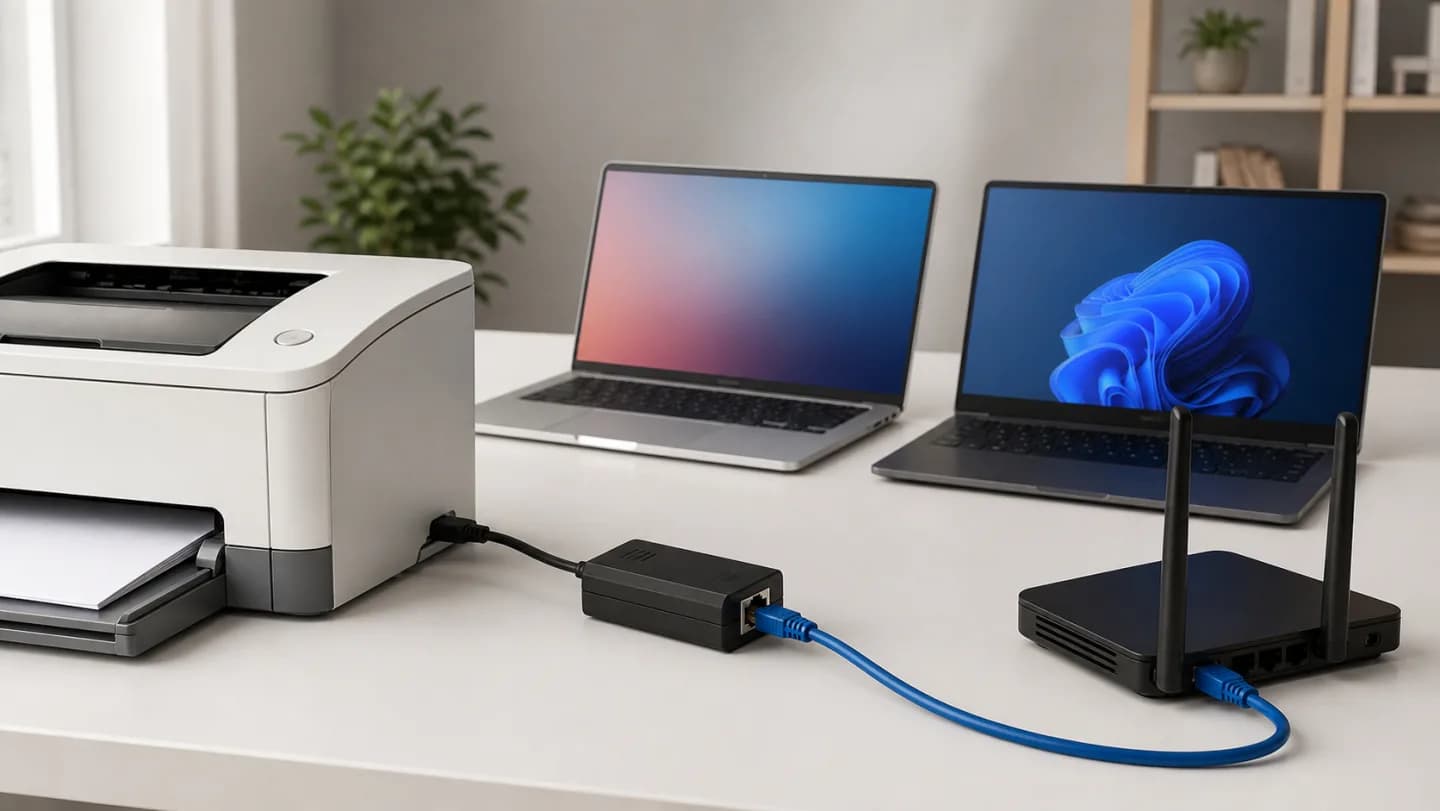
Original editorial image for category, fit, and use context; verify the exact linked product appearance and configuration on the retailer page.
Begin with the printer's rendering model
Some printers understand standard page-description languages and accept a network queue cleanly; others rely heavily on a host driver or bidirectional USB conversation. Find the exact model, not merely the brand series, and identify how it prints today. If the manufacturer lists no compatible server or protocol, assume uncertainty rather than universal USB compatibility.
Separate printing from multifunction features
A print server may deliver documents while losing scanning, fax, ink or toner status, head cleaning, card-reader access, and vendor utilities. Write down required functions before shopping. A multifunction printer that must scan to a computer may be better left on direct USB, shared from a maintained host, or replaced with a natively networked model.
Prefer maintainable network protocols
Raw TCP, LPR/LPD, and IPP can often be configured directly by address without a vendor discovery utility, but support differs. Check current operating-system documentation and security expectations. A decades-old setup application that requires unsupported drivers can turn a cheap adapter into a fragile dependency even if the hardware still powers on.
Plan addressing and client isolation
Give the server a DHCP reservation, record its management address, and decide which VLANs or guest networks may reach the print port. Broadcast discovery commonly stops at subnet boundaries. Test by IP from each required client class, then restrict management access and change default credentials if the device exposes them.
Test failure and fallback paths
Send simultaneous jobs, wake the printer from sleep, cancel a stuck queue, restart the server, and confirm behavior after a router reboot. Keep the original USB cable and driver notes. If household members need mobile printing or reliable scanning, compare the total troubleshooting cost with a current printer that supports those functions natively.
Current Amazon option
Check this exact product
StarTech 1-Port USB 2.0 Network Print Server, 10/100Mbps, TAA (PM1115U2) | Network Print Server, Wired Ethernet LAN USB 2.0 Adapter, 10/100Mbps
ASIN
B016A4MSA4
Brand
StarTech.com
Listing checked
8/11/2026
Compare the current title, ASIN, variant, seller, stock, shipping, price, and return path before ordering.
Exact US listing reference. Confirm the selected variation, seller, included parts, live availability, and any applicable recall notice before buying.
Public owner context
Questions to answer before buying
Community discussions help surface installation, fit, maintenance, and failure questions. They are anecdotal context, not product specifications or a substitute for current instructions.
Used to locate real owner questions and failure reports that shape the inspection checklist. Anecdotes are not presented as measured product tests or copied as endorsements.
Research notes
How we evaluated these choices
1.Record the exact printer model, firmware, driver type, and every function the household expects to retain.
2.Check the print-server compatibility list and current client software before purchasing the adapter.
3.Test one client by direct IP and standard protocol before deploying discovery tools to every device.
4.Reserve the server address, document queue settings, and keep a supported direct-USB fallback for troubleshooting.