PoE NVR Buying Guide: Camera Compatibility, Storage, and Power Budget
Current retailer option
REOLINK RLN8-410 8CH Network Video Recorder for Home Security Camera System | 24/7 Recording (HDD Not Included), Only Work with REOLINK 16MP/12MP/4K/8MP/5MP/4MP PoE IP Camera
Open the exact family listing to compare the live price, availability, delivery, seller, and returns.
Choose a PoE network video recorder by camera protocol, channel and decode limits, PoE budget, drive bays, retention target, remote access, export path, and failure recovery.
Prepared by the Signalwise Picks editorial deskUpdated August 11, 2026
Quick answer
The practical answer
Count cameras, resolution, frame rate, codec, continuous or event recording, desired retention, and maximum PoE draw before choosing channel count. Confirm exact camera compatibility and whether the NVR includes a surveillance drive. Leave headroom in channels, incoming bandwidth, decode capacity, storage, and PoE power; then plan UPS runtime, local monitor access, exports, firmware updates, and recovery if the recorder or drive fails.
Common buying question
How many channels, terabytes, and watts should a PoE NVR have for a home camera system?
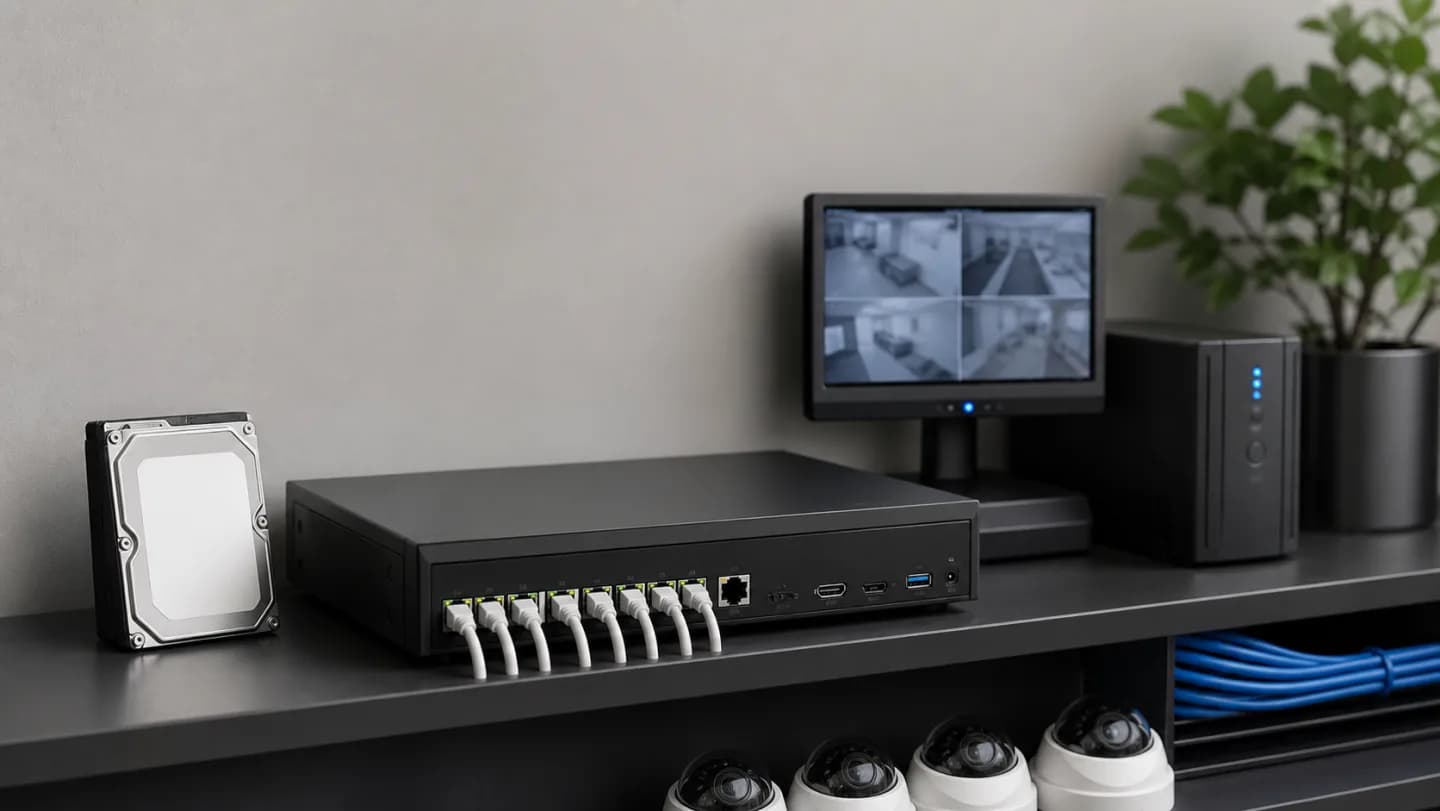
Original editorial image for category, fit, and use context; verify the exact linked product appearance and configuration on the retailer page.
Compatibility comes before channel count
An eight-channel label does not mean eight arbitrary IP cameras will expose every resolution, audio, motion, person detection, PTZ, or configuration feature. Record exact camera models and protocols, then check the NVR maker's list and firmware notes. ONVIF can improve basic interoperability but does not promise every vendor-specific analytic or event trigger.
Calculate storage from the streams
Estimate each camera's real bitrate at intended resolution, frame rate, codec, scene complexity, and recording schedule. Multiply by cameras and retention time, then leave margin for overhead and seasonal motion. Confirm whether the ASIN includes a drive: the selected REOLINK RLN8-410 listing explicitly needs the buyer to verify HDD inclusion rather than assuming the chassis arrives ready to record.
Budget PoE for the worst hour
Add each camera's maximum input, not its calm daytime average, and compare the sum with both total NVR PoE budget and per-port limits. Infrared LEDs, white lights, heaters, microphones, and PTZ movement change demand. Keep margin and verify cable quality; a recorder port cannot compensate for excessive cable loss or a mis-terminated run.
Design privacy and remote access deliberately
Decide whether cameras live on isolated NVR ports or a managed LAN, who owns the cloud account, which users can export video, and what still works without internet. Change default credentials, enable supported updates and strong authentication, and document recovery. Remote convenience should not make local viewing, recording, or administration depend on one person's phone.
Practice recovery before footage matters
Connect the NVR and network path to an appropriately sized UPS, confirm automatic restart, and test time after an outage. Create a sample export that opens on another computer, verify drive-health alerts, save configuration if supported, and understand replacement-drive procedure. A retention estimate is meaningless if the oldest usable clip or a critical export cannot be found.
Current Amazon option
Check this exact product
REOLINK RLN8-410 8CH Network Video Recorder for Home Security Camera System | 24/7 Recording (HDD Not Included), Only Work with REOLINK 16MP/12MP/4K/8MP/5MP/4MP PoE IP Camera
ASIN
B0GSVRTZVG
Brand
Brand shown on the Amazon listing
Listing checked
8/11/2026
Compare the current title, ASIN, variant, seller, stock, shipping, price, and return path before ordering.
Exact US listing reference. Confirm the selected variation, seller, included parts, live availability, and any applicable recall notice before buying.
Public owner context
Questions to answer before buying
Community discussions help surface installation, fit, maintenance, and failure questions. They are anecdotal context, not product specifications or a substitute for current instructions.
Used to locate real owner questions and failure reports that shape the inspection checklist. Anecdotes are not presented as measured product tests or copied as endorsements.
Research notes
How we evaluated these choices
1.Inventory exact cameras and worst-case stream and PoE requirements before comparing recorder channel labels.
2.Calculate storage from bitrate, hours per day, camera count, retention, and a realistic overhead margin.
3.Verify camera and firmware interoperability using the recorder maker's current compatibility information.
4.Test outage recovery, local login, time synchronization, playback, export, drive alerts, and remote-account recovery.