Open the exact family listing to compare the live price, availability, delivery, seller, and returns.
Choose a 2.5GbE PoE switch by powered-device count, real wattage, uplink headroom, management needs, cooling, and the cabling already in the walls.
Prepared by the Signalwise Picks editorial deskUpdated August 10, 2026
Quick answer
The practical answer
Count the exact 2.5GbE PoE devices, total their maximum power draw with headroom, and reserve an uplink faster than the traffic they can create. A managed 2.5GbE PoE switch is worthwhile when several powered devices need more than gigabit links; otherwise a separate multi-gig switch and injectors may be quieter and cheaper.
Common buying question
Which multi-gig PoE switch should I buy for Wi-Fi access points, cameras, and a faster home network?
The existing fanless 2.5GbE switch pages do not calculate PoE standards, port power, total budget, or powered-device startup headroom.
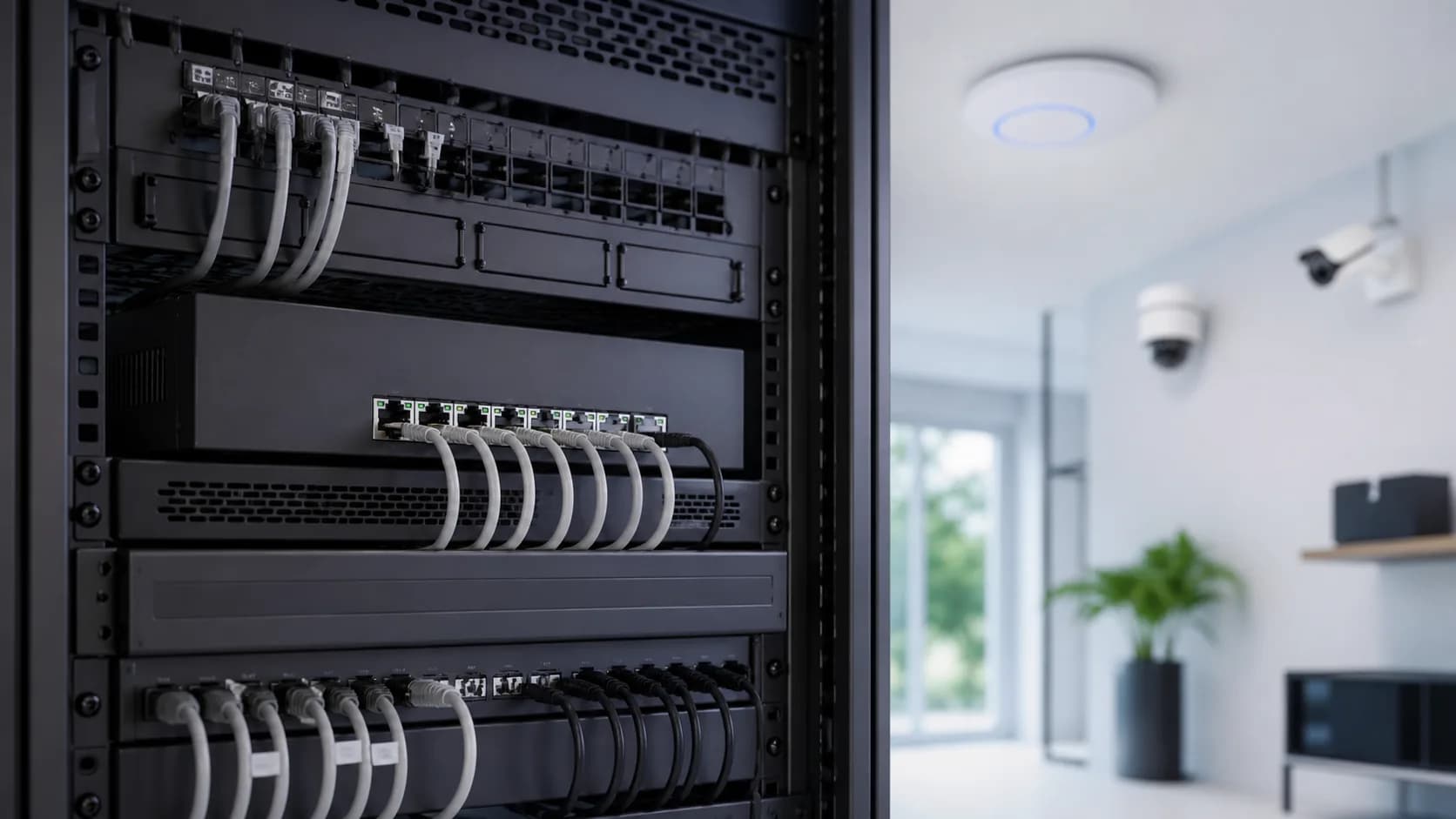
Original editorial image for category, fit, and use context; verify the exact linked product appearance and configuration on the retailer page.
Make a powered-port worksheet first
List every device, link speed, PoE class or stated maximum input, and whether it must survive a switch reboot. Add startup and future-device headroom instead of multiplying the port count by a marketing maximum. A switch with eight PoE sockets can still be the wrong choice when its shared power supply cannot support the intended combination.
Keep per-port speed separate from uplink capacity
A 2.5GbE access point can exceed one gigabit only under favorable radio, client, and workload conditions, but several active ports can still overwhelm a single gigabit uplink. Draw the path to the router, NAS, and aggregation switch. Pay for 10GbE uplinks only when the rest of that path and the repeated traffic justify them.
Choose management for an operating task
VLANs, link aggregation, traffic counters, and remote PoE cycling are useful when the network plan names who will configure them and how access is recovered. A controller-managed model may also operate in a reduced standalone mode. Read the exact manual before assuming cloud, local web, command line, or third-party automation support.
Plan fan noise, heat, and rack power together
High-output PoE switches can use active cooling even when ordinary multi-gig switches are silent. Check acoustic location, front-to-back clearance, rack depth, ambient temperature, surge protection, UPS runtime, and cable bend radius. A closet that is visually tidy but thermally closed is not a complete installation.
When separate injectors are the better answer
Keep the existing multi-gig switch and add standards-compliant injectors when only one or two devices need power, silence is important, or replacing a large working switch adds cost without a clear traffic benefit. Skip multi-gig PoE entirely when every powered endpoint is gigabit and no planned workload needs the faster link.
Exact NETGEAR MS108EUP US listing identity to recheck before publication and checkout.
Public owner context
Questions to answer before buying
Community discussions help surface installation, fit, maintenance, and failure questions. They are anecdotal context, not product specifications or a substitute for current instructions.
Used only to identify recurring questions about port mix, fan noise, power budget, and uplinks; no comment or owner result is reproduced as product evidence.
How this page was governed
Page-specific editorial method
1.Build a port-by-port device and maximum-wattage worksheet before comparing switches.
2.Verify the exact hardware model against its current datasheet and installation guide.
3.Separate switching capacity, individual port rate, uplink rate, and internet speed.
4.Treat the linked Amazon ASIN as a checkout anchor, not a source for stable price or availability claims.