Open the exact family listing to compare the live price, availability, delivery, seller, and returns.
Choose a punch-down tool by 110 or Krone blade, impact control, cut orientation, reversible storage, handle ergonomics, spare blades, and the jacks being installed.
Prepared by the Signalwise Picks editorial deskUpdated August 11, 2026
Quick answer
The practical answer
Use the termination maker's specified tool and blade. Most North American Ethernet jacks and panels use a 110-style blade, but tool-free, Krone, and proprietary blocks differ. A spring-impact tool improves repeatability on compatible IDC terminals; set the impact only as high as needed, orient the cutting edge toward the scrap tail, support the jack, and inspect every seat before testing.
Common buying question
Do I need an impact punch-down tool for Ethernet keystone jacks, and which 110 blade should I buy?
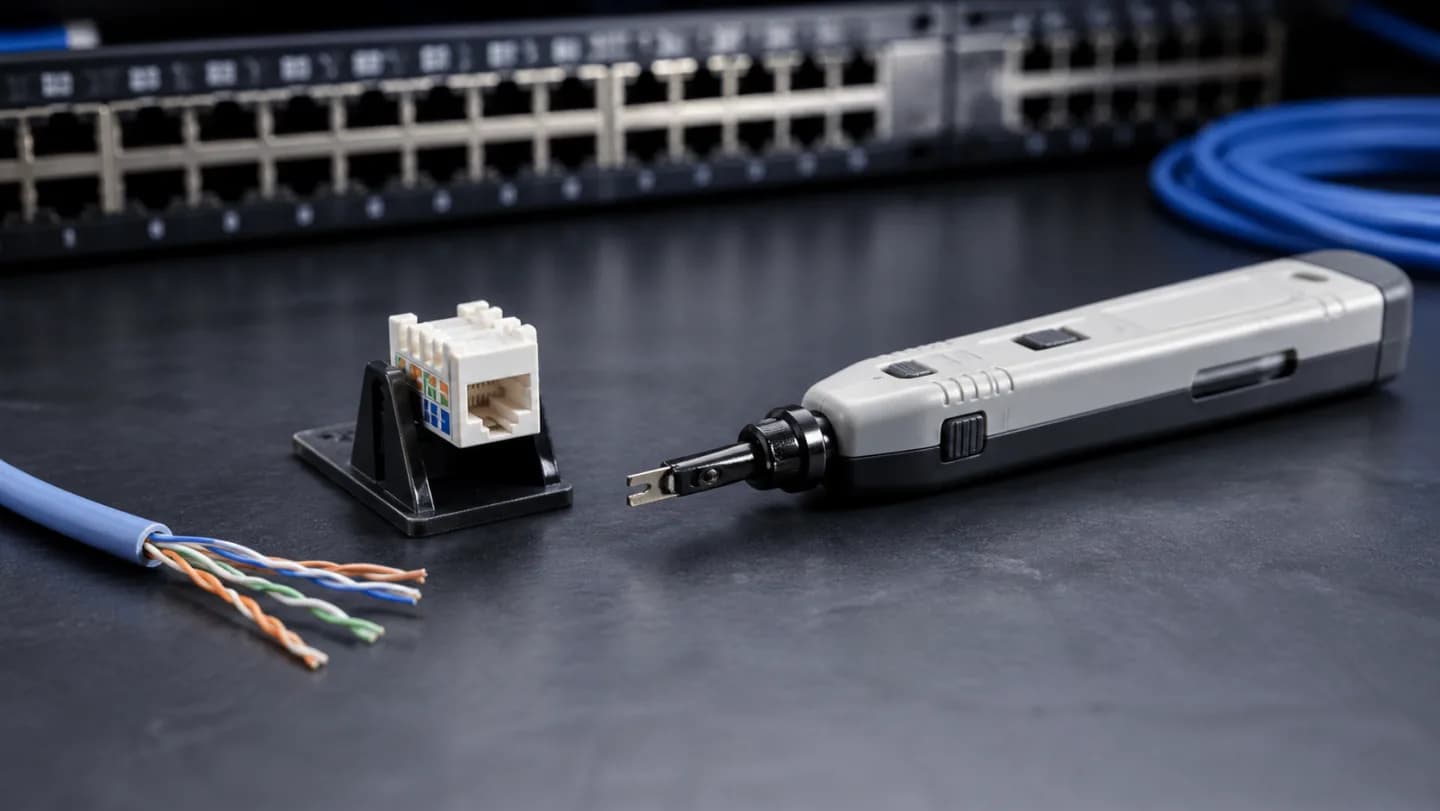
Original editorial image for category, fit, and use context; verify the exact linked product appearance and configuration on the retailer page.
Identify the IDC before buying a handle
A network jack may be 110-style, Krone-style, tool-free, or built around a vendor cap. Examine the instructions and contact geometry rather than assuming every slot accepts a 110 blade. The replaceable blade matters more than extra gadgets on the handle because it is the part that seats and, on one side, trims the conductor.
Understand cutting and non-cutting ends
Reversible blades usually provide one edge that seats and cuts the scrap tail and another that seats without cutting. Markings can be small. Orient the cutter away from the cable run, keep the conductor flat in its color-coded slot, and confirm the blade is fully locked before applying force. A reversed cutter can silently shorten the working conductor.
Use impact force conservatively
Spring impact makes seating repeatable, but more force is not automatically better. Start with the hardware maker's recommendation or the lower practical setting, support the jack in its stand, and inspect the result. Small keystones can crack or unlatch when punched in midair; under-seated wire can look correct until the cap is removed.
Ergonomics matter when the port count rises
For one repair, a simple tool may be enough. A panel of 24 or 48 ports makes grip shape, spring consistency, blade release, storage lock, and a pick or hook more important. Plan lighting and a stable work surface so the operator is not twisting the tool in a crowded rack or pressing against finished equipment.
Inspect, cap, test, and label
Check that each wire reaches the bottom of its IDC, scrap tails are removed, pair twists remain close, and the strain cap closes without pinching. Run wiremap and the performance test appropriate to the job. Clean the blade, replace it when cutting becomes ragged, and store the tool locked so its edge cannot damage other equipment.
Current Amazon option
Check this exact product
VCELINK Punch Down Impact Tool with 110 and 66 Blades, Network Wire Punch | 110 Blade, 66 Blade, Punch Down Tool Kit, Keystone Impact Terminal Insertion Tools, Cat6A/Cat6/Cat5/Cat3 Stripper
ASIN
B08XK752YK
Brand
VCELINK
Listing checked
8/11/2026
Compare the current title, ASIN, variant, seller, stock, shipping, price, and return path before ordering.
Exact US listing reference. Confirm the selected variation, seller, included parts, live availability, and any applicable recall notice before buying.
Public owner context
Questions to answer before buying
Community discussions help surface installation, fit, maintenance, and failure questions. They are anecdotal context, not product specifications or a substitute for current instructions.
Used to locate real owner questions and failure reports that shape the inspection checklist. Anecdotes are not presented as measured product tests or copied as endorsements.
Research notes
How we evaluated these choices
1.Read the termination hardware instructions and identify its IDC system before selecting a blade.
2.Practice on a spare jack with the tool supported and the cutting edge visibly facing the scrap conductor.
3.Inspect conductor depth, twist retention, trimmed tails, cap fit, and any cracked plastic after every practice seat.
4.Wiremap completed links, replace damaged blades, and document the impact setting that worked with the chosen hardware.